
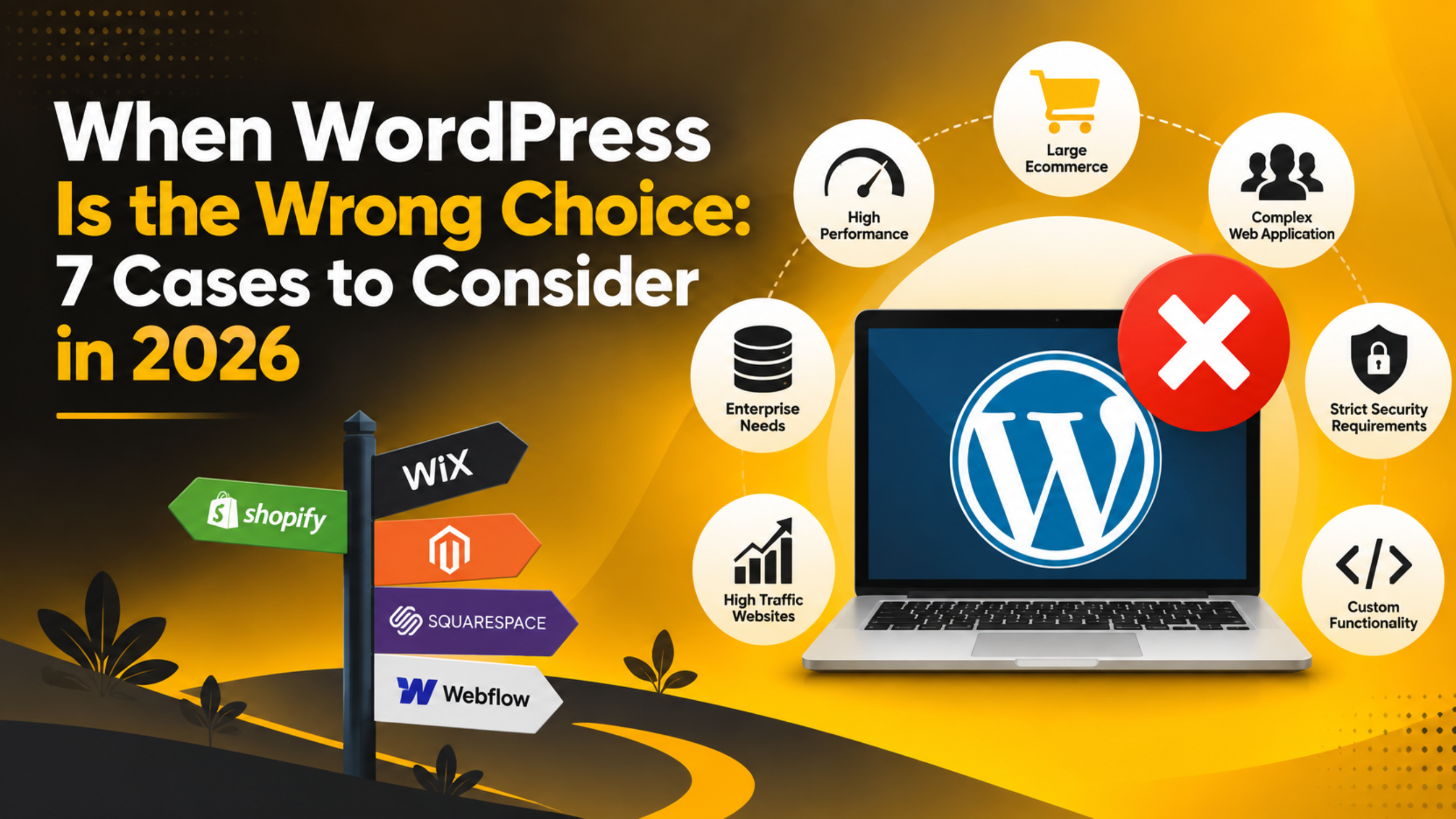
When WordPress Is the Wrong Choice: 7 Cases to Consider in 2026
Introduction
We support WordPress every day. We also think it is the right answer for most websites. But it is not right for every project, and saying so builds more trust than pretending otherwise.
If you run an agency or advise clients, the wrong platform costs everyone. The build takes longer. The budget stretches. The client blames the tool, then blames you. One honest conversation at the start avoids all of it.
This guide covers seven cases where WordPress is usually the wrong fit. It also covers the objections raised unfairly and the questions that settle it.
Why the Platform Choice Matters More Than It Looks
A content management system shapes far more than the first build. It decides who can update the site, what the hosting costs, how fast pages load, and how much work each future change takes. Getting it wrong is expensive to undo.
WordPress is strong because it separates content from code. Someone with no technical training can log in and edit a page. That single fact is why so many businesses stay on it for a decade. It is also why the platform makes little sense when nobody will ever edit anything.
The other half of the question is who maintains the site. WordPress needs updates, backups, and the occasional fix. A client who cannot commit to it, and will not pay someone else to do it, is heading for trouble.
So the honest test is not “is WordPress good?” It is “does this project need what WordPress gives, and can this team carry what WordPress asks?” The seven cases below are where the answer is usually no.
Cases 1 to 3: When the Project Itself Does Not Fit
The first three cases are about the work itself. Nothing here is a criticism of the client or the budget. The shape of the project simply does not match the shape of the tool, and no amount of good hosting changes that.
Case 1: A Single Page That Will Never Change
Some sites are one page and stay one page. A holding page for a new venture. A conference landing page that runs for six weeks. A page with an address, a phone number and a map.
WordPress can do this, but you are installing a full database-driven system to serve content that could be a single file. The result is slower, needs a bigger hosting plan, and carries a maintenance duty nobody planned for.
Ask how many times the content will change in the first year. If the honest answer is zero or once, a static page is the better fit. The exception is a lead page with forms, offers and monthly copy tests, because those tests are the real work and the client needs to run them alone.
Case 2: A Product With Its Own Application Logic
Some projects are software wearing a website. A booking engine that prices by the minute. A tool that calculates against live inventory. A portal where every user sees a different dataset pulled from several systems.
WordPress is a publishing platform. You can bolt application logic onto it, and people do. But the further you go, the more you fight the platform, and every core update becomes a risk to code that was never meant to live there.
Watch for the words “engine”, “workflow” or “dashboard where users can” in a brief. A useful middle path is to build the application on its own stack and keep WordPress for the marketing pages and the blog, on the same domain in a different folder. Each side then gets the tool made for it.
Case 3: Content That Feeds Apps, Kiosks and Screens
Some organisations publish the same content to a website, a mobile app, an in-store screen and a partner’s site. The content is a feed, and the website is only one place it appears.
WordPress can serve this through its REST API at /wp-json/, and for smaller cases that works well. The API is stable, well documented, and your editors keep an interface they already know.
The strain comes when several channels pull content in different shapes on different release cycles. Count the channels and count the teams. One or two channels with a single editorial team is comfortable. Four channels with separate teams and separate schedules needs a platform built for that job.
Cases 4 and 5: When the Team and the Budget Do Not Fit
These two cases sink more WordPress projects than any technical limit. The platform is capable, the brief is sensible, and the site still ends up broken. The cause is always the same: nobody owns it after launch.
Case 4: Nobody Will Maintain It
WordPress sites need routine care. Core updates, plugin updates, backups, and an occasional look at the error log. That care is light, and thirty minutes a month covers most small sites, but it has to happen.
A site left untouched for two years falls behind on security updates, and an unpatched site is the easiest target on the internet. Good care means updates tested on a staging site first, a backup stored off the server before every change, and a monthly glance at Tools → Site Health. Our Site Health guide explains what its warnings mean.
Ask who runs the updates, and what happens if one breaks a page. If the client cannot name a person or a budget, they have not planned for a WordPress site. Either they buy a maintenance plan, or you pick a platform with no maintenance duty at all.
Case 5: The Budget Covers the Build but Not the Year
A WordPress site has two costs. The build, which everyone plans for, and the running cost, which many clients do not. Hosting, a domain, any paid plugin licences, and the time or fee for maintenance.
None of these are large alone. Together they are a real yearly number, and a client who has not budgeted for it will let the site drift. Drift is how sites end up broken, out of date or hacked.
Put a single annual total in writing next to the build quote. Clients rarely object to a cost they saw coming; they object to the surprise invoice in month eight. Be wary of “we will do it ourselves”, because the person who meant it often leaves or gets busy. Ask who the backup person is.


Cases 6 and 7: When the Requirements Outgrow the Platform
The last two cases are about ceilings. WordPress handles both situations well up to a point, and then the effort needed to keep going stops being worth it. Knowing where that point sits saves a painful rebuild later.
Case 6: A Store With High Volume and Complex Pricing
WooCommerce runs a very large number of successful shops, and for most small and medium stores it is an excellent answer. But there is a ceiling worth naming, and it is not simply order volume.
Trouble shows up when high volume meets complicated pricing: customer-specific price lists, tax rules across many countries, and live stock shared with warehouses. A busy shop with simple products scales fine with good hosting and caching. What hurts is checkout logic that cannot be cached, because every customer sees a price computed live.
Ask for peak orders per hour, not per month, because a monthly figure hides the spike. Before you switch platforms, test on better hosting and check WooCommerce → Status for warnings. Our WordPress security guide covers the audit habits that keep a busy store stable.
Case 7: A Locked-Down System With a Formal Approval Trail
Some clients want the opposite of flexibility. A regulated business that must prove exactly who changed what. A firm where legal approves every word. A brand where the layout must never move by a pixel.
WordPress is built to be open, and an administrator can install a plugin or change a setting that reshapes the site. You can lock a lot of that down: careful user roles stop editors reaching settings, and you can disable the file editor and block plugin installs. Before changing wp-config.php or any theme file, take a backup or work on a staging copy first.
What WordPress does not give out of the box is a full approval chain with an audit trail that satisfies an auditor. You can build one, but you then maintain custom compliance code forever. If someone outside the team must sign off and prove it later, plan for that from the start.
Cases Where WordPress Gets Blamed Unfairly
Some objections come up constantly and do not hold. It helps to know which to push back on, because a client repeating them may be heading for an expensive mistake in the other direction.
“WordPress is only for blogs.” That stopped being true a long time ago. Custom post types let you model products, properties, courses, team members, or anything else with its own fields and templates.
“WordPress is insecure.” Nearly every breach traces back to an outdated plugin, a weak password, or unmaintained hosting. A maintained site with strong logins is not an easy target. The platform is not the weak point; neglect is.
“WordPress is slow.” Slow sites usually carry too many plugins, unoptimised images, or cheap hosting. A lean build on decent hosting is fast. Fix the cause before blaming the platform.
“We need several sites, so it will not work.” It works well. WordPress multisite runs many sites from one installation, and you can also manage separate sites from one dashboard.
“The free version cannot do what we need.” This usually means someone compared the hosted service with the self-hosted software. They are different products with different limits, as our guide on choosing between the two sets out.
Five Questions That Settle the Decision Fast
You do not need a long discovery process to make this call. Five questions, asked before you quote, point at the answer nearly every time. Write the answers down and keep them with the proposal.
1. How often will the content change, and who will change it? Frequent changes by a non-technical person is the clearest argument for WordPress. Rare changes by a developer is an argument against it.
2. Is the core of this product a page or a process? Pages, articles, products and landing pages suit WordPress. Calculations, workflows and live data belong in an application.
3. Who maintains it, and what is the yearly budget? A named person and a funded number means go ahead. A shrug means pick something with no maintenance duty, or sell a maintenance plan first.
4. How many channels consume this content? One website is comfortable. One website plus a simple app is fine. Four channels with separate teams is a different kind of system.
5. Does anything here need a formal approval trail? If a regulator or a legal team must sign off and prove it, plan for that from the start rather than bolting it on later.
Final Thoughts
WordPress is the right choice for a large share of websites. Saying where it does not fit is not a criticism of the platform. It is what separates advice from a sales pitch.
The seven cases share one pattern. WordPress struggles when the project does not need editable content, when the real product is software rather than pages, and when nobody will maintain or fund the site after launch. Everywhere else it is usually the fastest route to a site a client can actually run.
Check the five questions before you quote, and put the yearly running cost in writing. Those two habits prevent most platform regrets. If you are weighing up a project and want a second opinion, talk to 24×7 WP Support. We will tell you honestly whether WordPress fits, and if it does, we can handle the updates, backups and fixes so you and your client never have to think about them.
Related posts:
How Much Does It Cost to Hire Someone to Build a WordPress Website?
What Are WordPress Application Passwords? A Complete 2026 Guide
Sure Shot Way to Fix 405 Method Not Allowed Error
What Is Pantheon in WordPress? Hosting, Pricing, and Setup Guide
What Is a PWA and Should Your WordPress Site Become One in 2026?

Brian is a WordPress support specialist and content contributor at 24×7 WP Support. He writes practical, easy-to-follow guides on WordPress troubleshooting, WooCommerce issues, plugin and theme errors, website security, migrations, performance optimization, and integrations. With a focus on solving real website problems, Brian helps business owners, bloggers, and online store managers keep their WordPress sites running smoothly.
