
Category: How To Wordpress
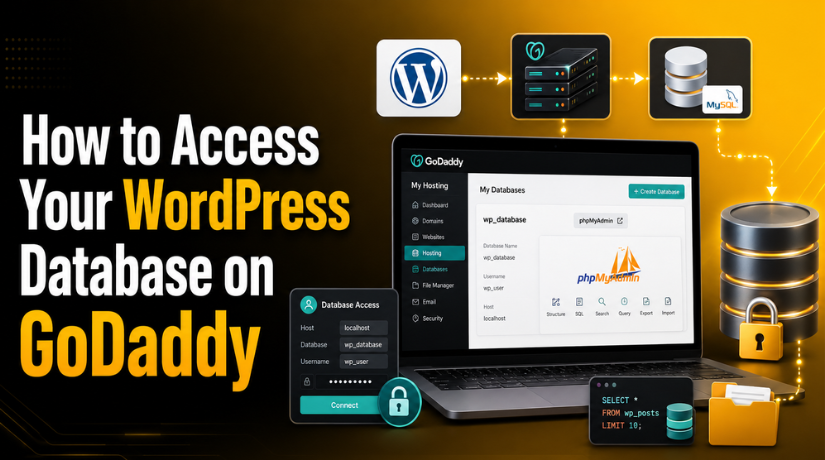

How to Access Your WordPress Database on GoDaddy
Introduction Whether you’re troubleshooting a broken site, manually updating a plugin option, or migrating to a new host, knowing how…
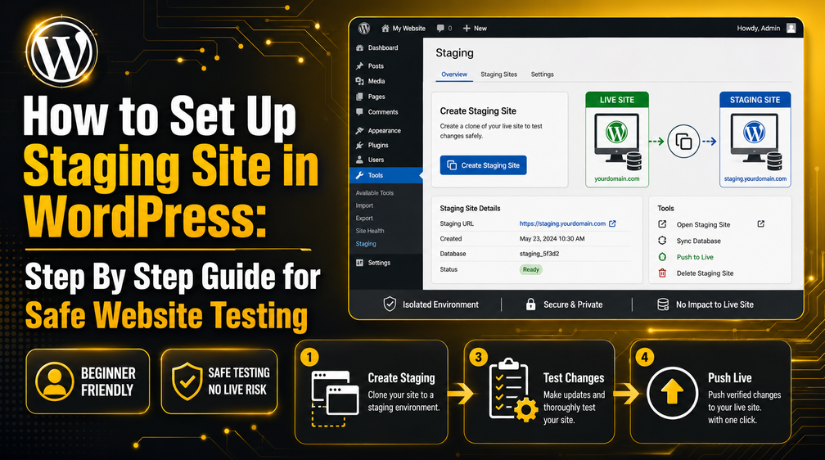
How to Set Up Staging Site in WordPress: Step By Step Guide for Safe Website Testing
Introduction A WordPress website needs regular care, updates, and testing. You may update plugins, change themes, edit pages, or improve…
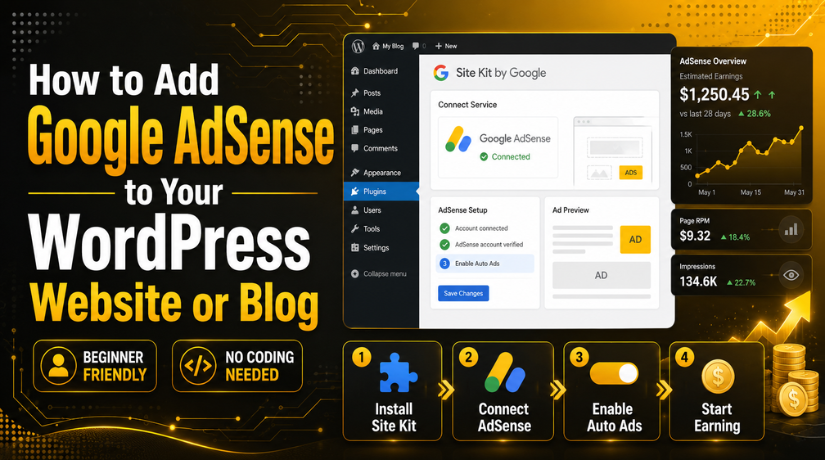
How to Add Google AdSense to Your WordPress Website or Blog
Introduction Many website owners want to earn money from their blogs. WordPress makes this goal simple for many users. You…
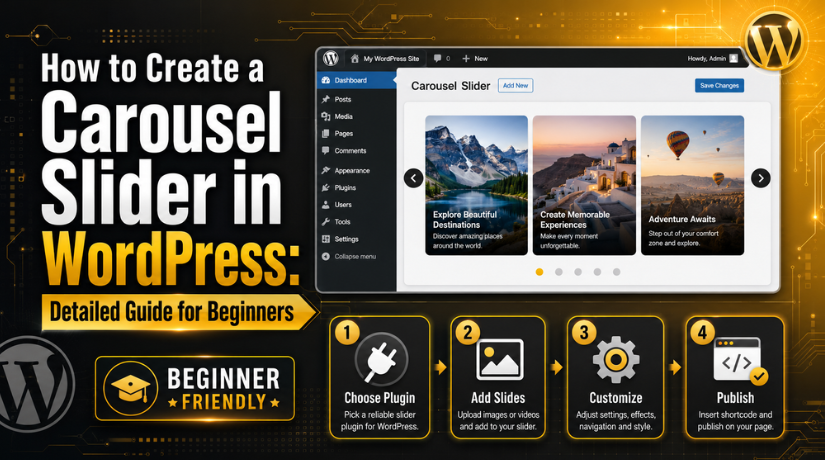
How to Create a Carousel Slider in WordPress: Detailed Guide for Beginners
Introduction A WordPress carousel slider helps display content in a clean way. It can show images, offers, services, products, reviews,…
What Are WordPress Permalinks and How to Set or Fix Them?
Introduction Every WordPress website uses URLs to open posts and pages. These URLs help visitors find your content and move…
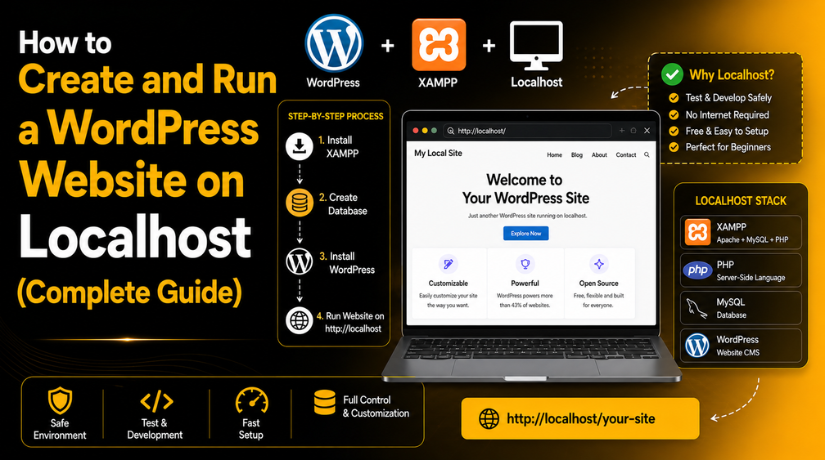
How to Create and Run a WordPress Website on Localhost (Complete Guide)
Introduction Creating a website directly on live hosting can feel risky. One wrong setting can break the website for visitors.…
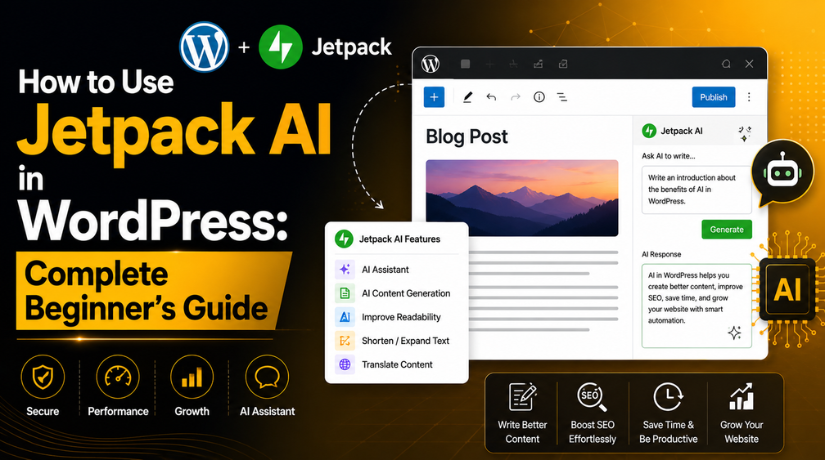
How to Use Jetpack AI in WordPress: Complete Beginner’s Guide
Introduction WordPress users now need faster and smarter content workflows. Website owners often manage blogs, service pages, landing pages, and…
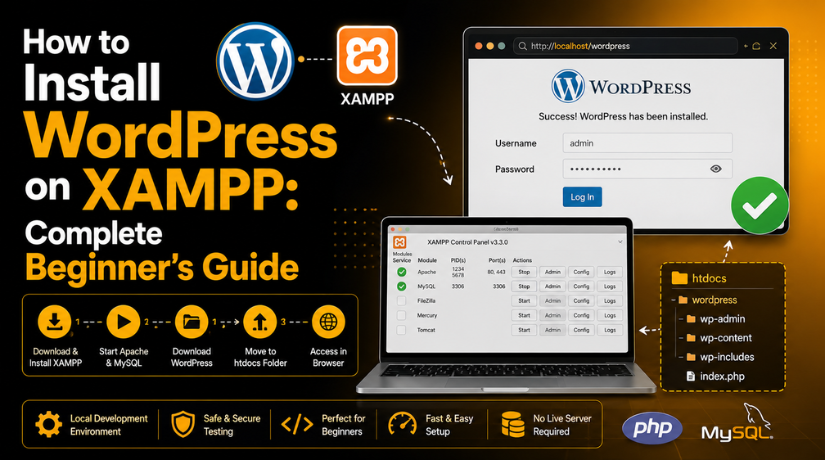
How to Install WordPress on XAMPP: Complete Beginner’s Guide
Introduction WordPress is a popular platform for building websites. Many beginners want to learn WordPress before buying hosting. This is…
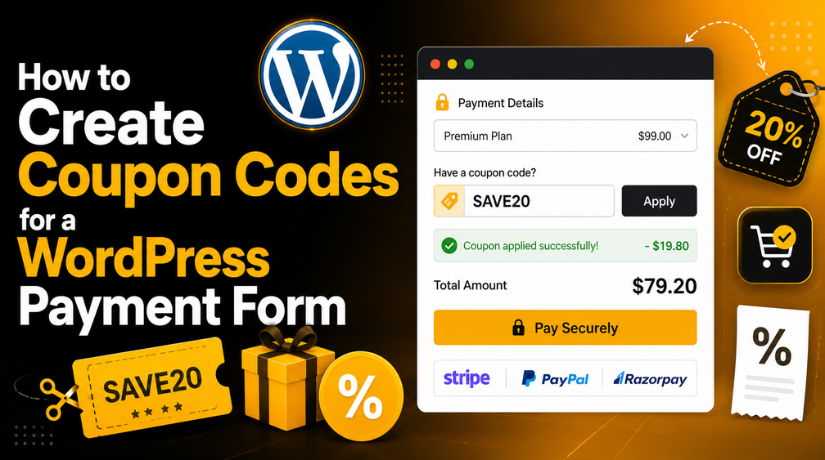
How to Create Coupon Codes for a WordPress Payment Form (Complete Guide)
Introduction A popup can help you show important messages quickly. It can appear as a button, form, banner, or notice.…