
Category: How To Wordpress
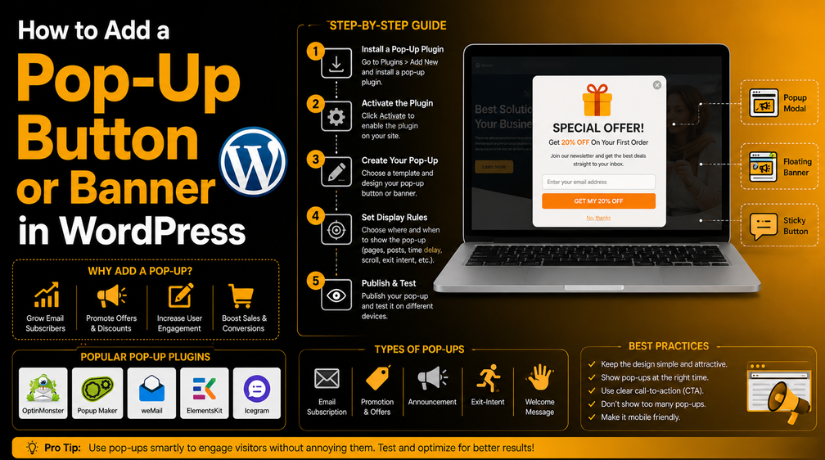

How to Add a Pop-Up Button or Banner in WordPress (Step By Step Guide)
Introduction A popup can help you show important messages quickly. It can appear as a button, form, banner, or notice.…
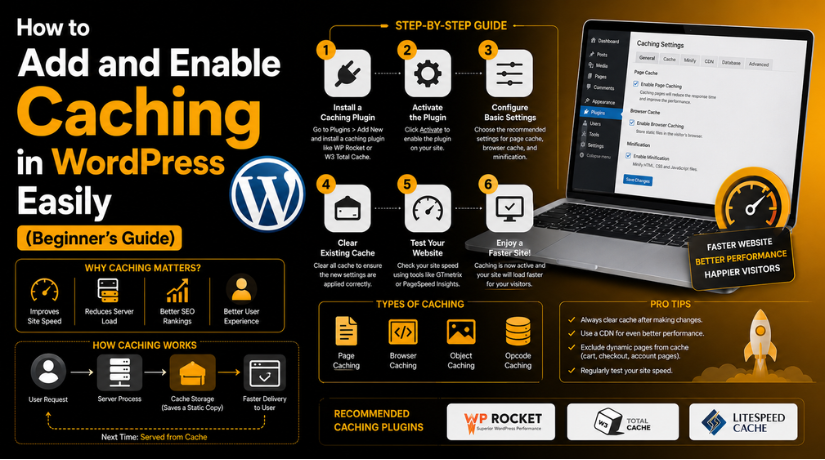
How to Add and Enable Caching in WordPress Easily (Beginner’s Guide)
Introduction A fast website gives users a better browsing experience. Visitors do not like waiting for slow pages. They may…
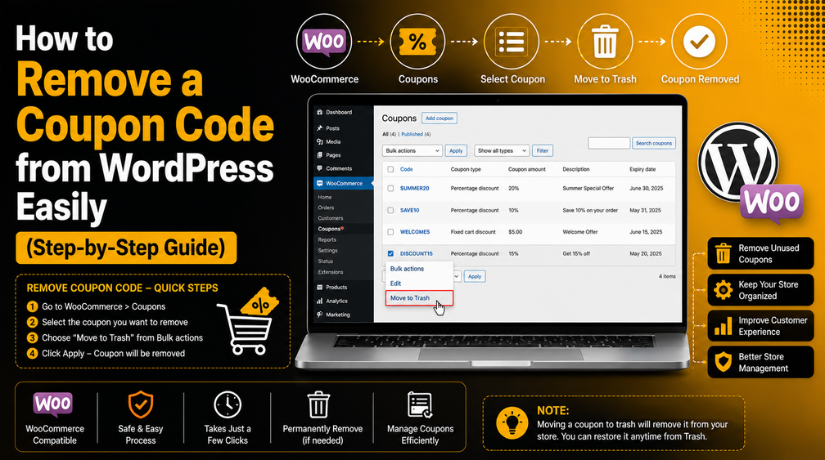
How to Remove a Coupon Code from WordPress Easily (Step-by-Step Guide)
Introduction Coupon codes can help your store get more sales. They give customers a clear reason to buy today. Many…
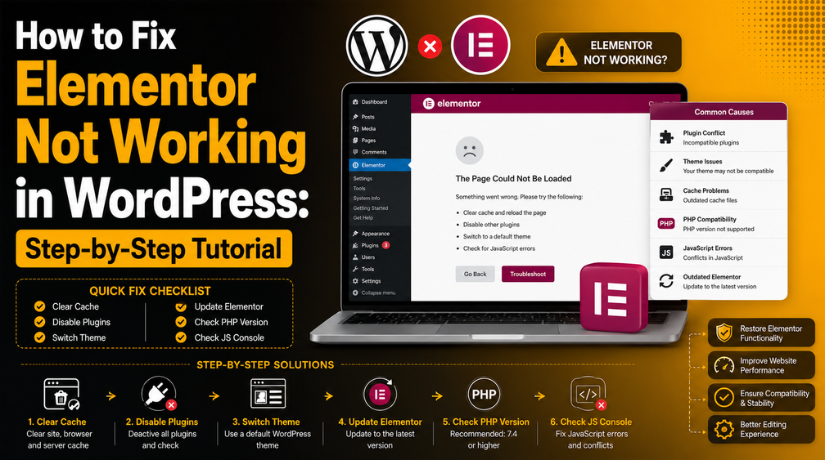
How to Fix Elementor Not Working in WordPress: Step-by-Step Tutorial
Introduction Elementor is one of the most used WordPress page builders. It helps users create pages without writing custom code.…
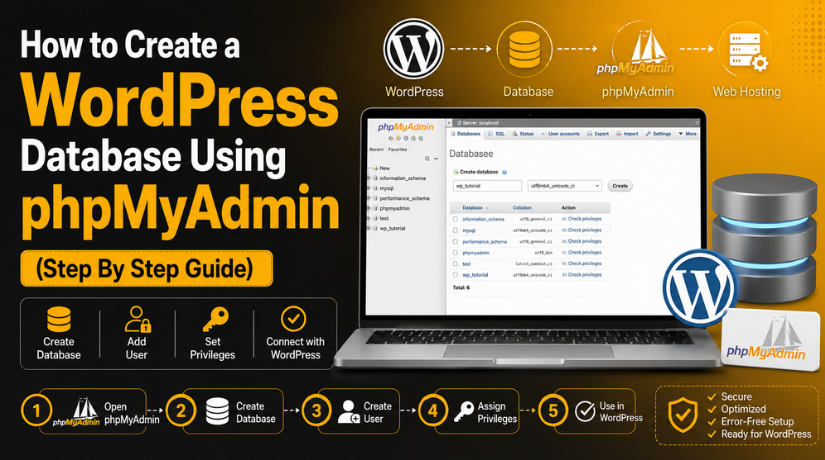
How to Create a WordPress Database Using phpMyAdmin (Step By Step Guide)
Introduction A WordPress website needs two main parts to work. It needs website files and a database. Website files include…
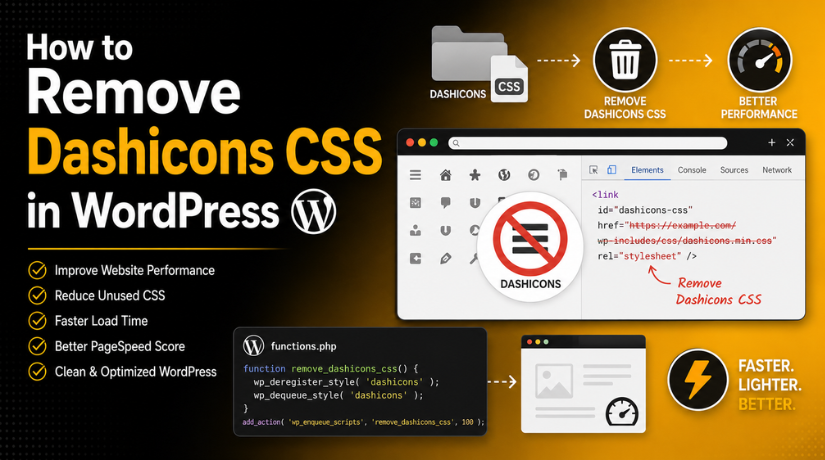
How to Remove Dashicons CSS in WordPress
Introduction WordPress loads many files to run your website properly. These files include CSS, JavaScript, fonts, and images. Some files…
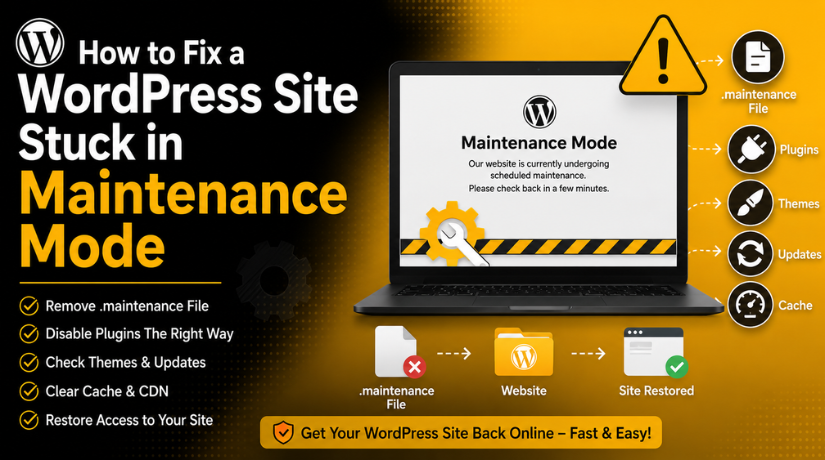
How to Fix a WordPress Site Stuck in Maintenance Mode (Step By Step Guide)
Introduction WordPress stuck in maintenance mode issues can feel stressful. Your website may stop loading after a simple update. Visitors…
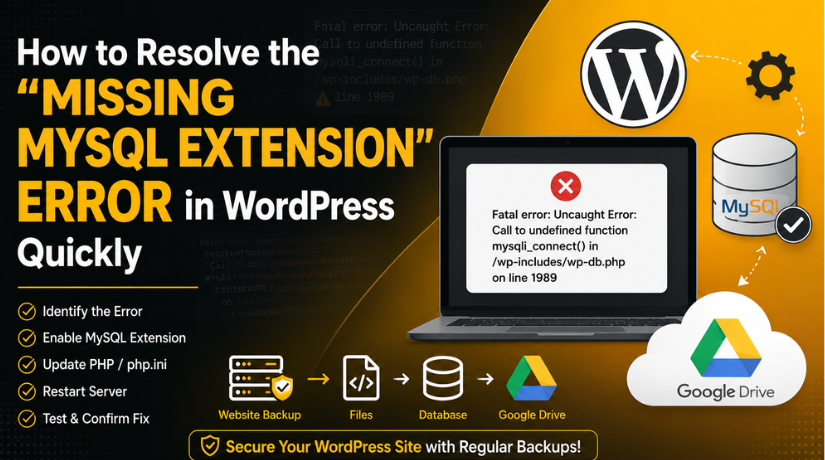
How to Resolve the “Missing MySQL Extension” Error in WordPress Quickly
Introduction WordPress MySQL extension error can stop your website from loading. It often appears without warning and creates serious confusion.…
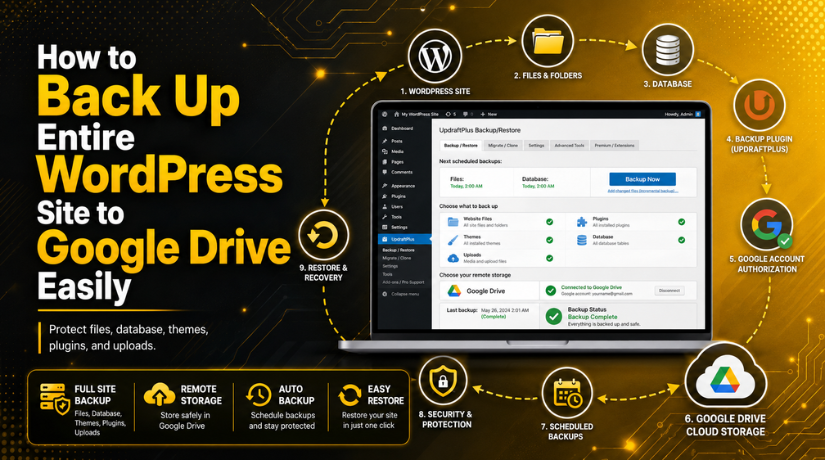
How to Back Up Entire WordPress Site to Google Drive Easily
Introduction A website can stop working at any time. A plugin update may fail. A theme change may break the…
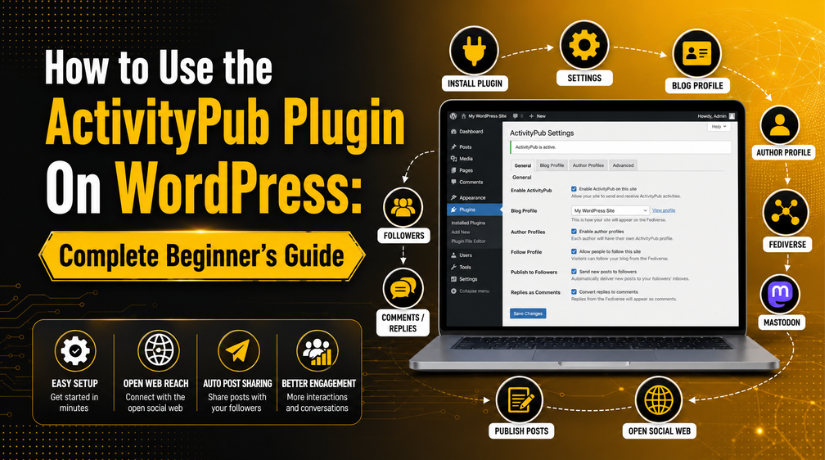
How to Use the ActivityPub Plugin On WordPress: Complete Beginner’s Guide
Introduction WordPress is a powerful platform for publishing useful content online. Many website owners use it for blogs, news, and…