
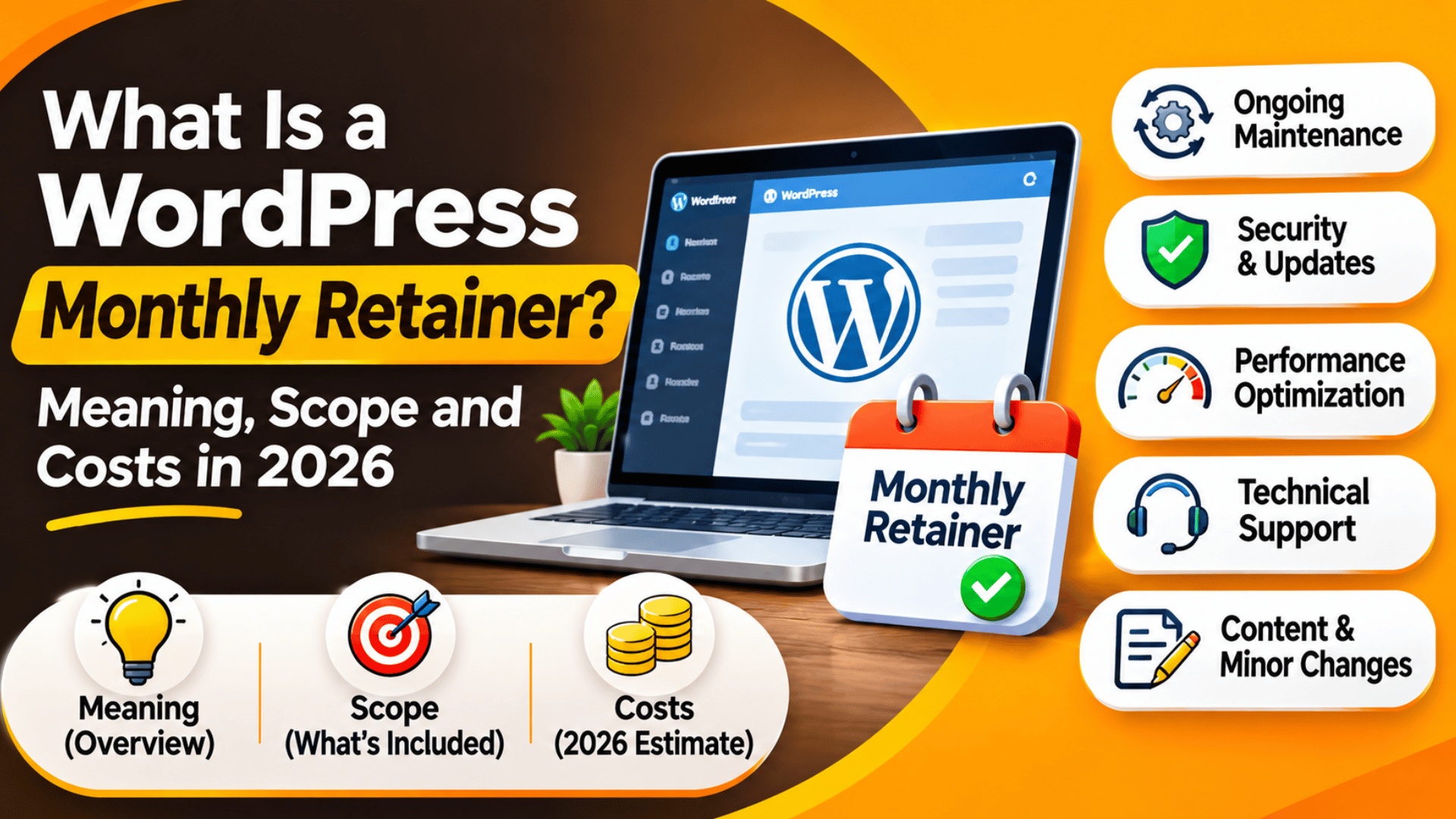
What Is a WordPress Monthly Retainer? Meaning, Scope and Costs in 2026
A monthly retainer is a fixed fee you pay each month to keep a team on call for your site. You are not buying one job. You are booking a set amount of help, in advance, at a known price. For a WordPress site, that help usually covers updates, fixes, small changes and advice.
This guide shows how a WordPress retainer works, what it includes, how the fee is set, and which terms to check before you sign.
What Does a Monthly Retainer Mean?
A retainer is an ongoing deal between you and a service firm. You pay a set fee at the start of each month. In return, the firm holds time or a list of tasks for you. The word comes from the idea of “retaining” someone, which means keeping them ready to work for you.
Three things set a retainer apart from a one-off job. First, the fee repeats each month until one side ends the deal. Second, the work is not fully known in advance. You agree on a size and a type of work, then fill in the detail as needs come up. Third, you get a place in the queue. A firm plans its week around retainer clients first, so your request does not wait behind new projects.
Think of it like a gym pass. You pay the same sum whether you go five times or twenty. A retainer pays off when your site needs steady care, and wastes money when it sits still.
How a WordPress Retainer Works Month to Month
A WordPress retainer runs on a simple loop. You pay the fee, the team does the routine care, you send requests, and at month end you get a report. Each request is logged with the time it took, so both sides can see where the month went.
The routine part happens without you asking. The team updates WordPress core, plugins and themes, checks that backups ran, and scans for security problems. Good teams test updates on a staging copy first. A staging copy is a private clone of your site where changes can be tried with no risk to visitors. Our guide on how to set up a staging site in WordPress shows how that works.
The request part is up to you. You might ask for a new page, a form fix, a speed check or a change to your menu. The team scopes each task, tells you the time it needs, and does the work once you agree. When the month ends, the report lists the updates done, the tasks closed, the hours used and any hours left.
The Main Types of WordPress Retainers
Not all retainers are built the same way. The model you pick changes what you can ask for and how the bill is worked out. Before you compare prices, make sure you are comparing the same type of deal. The three models below cover most offers you will see in 2026.
Hours-Based Retainers
With this model you buy a block of hours each month. Say you buy ten hours. Each task is timed and taken from the block. If a fix takes ninety minutes, you have eight and a half hours left. This is the most flexible type, since the hours can go to any kind of work. The risk is that hours run out early in a busy month. Ask what happens then. Some firms bill extra time at the same rate, and some charge more for it. Get that rate in writing.
Task-Based or “Unlimited Small Jobs” Retainers
Here you pay a flat fee and send as many small tasks as you like. The catch sits in the word “small”. Most plans cap each task at a set length, often thirty or sixty minutes, and work on one task at a time. That suits sites with a stream of minor edits, such as text changes, image swaps and plugin settings. It does not suit bigger builds. A new checkout flow or a custom feature will be quoted on its own, outside the monthly fee.
Care Plan Retainers
A care plan is a fixed list of duties with no hour count. The list usually has updates, backups, uptime checks, security scans and a monthly report. Some plans add a small amount of support time on top. This model is the cheapest of the three, and it fits sites that change very little, such as a brochure site or a personal blog. If you are not sure how much upkeep your site needs, read our post on how much maintenance a WordPress site needs before you choose.
What a WordPress Retainer Usually Includes
The scope of a retainer is the list of work it covers. A clear scope stops most disputes, so read it line by line. Most WordPress retainers cover the same core areas, though the depth of each one varies by price. Use the list below as a checklist when you read an offer.
Updates. WordPress core, plugins and themes are updated on a set schedule, often weekly.
Backups. Files and the database are copied to a store away from your server. Ask how often backups run, how long they are kept, and whether a restore is part of the fee. Our guide on how to back up and restore a WordPress website explains what a full backup holds.
Security. This covers malware scans, login hardening and firewall rules. Check if cleanup after a hack is in the plan or billed apart.
Uptime and speed checks. A monitor pings the site every few minutes and alerts the team if it goes down. Many plans also track load time and flag slow pages.
Support requests. These are the fixes and small edits you send in. This is where hours or task limits apply.
Reports. A monthly summary shows what was done.
What a Retainer Does Not Cover
Knowing the limits matters as much as knowing the scope. Many buyers assume a retainer means “everything to do with my site”. It does not. A retainer is sized for upkeep and small changes. Large or unusual work sits outside it and gets its own quote.
The most common items left out are full redesigns, new custom plugins, and moves to a new host. Content work is also outside most plans. The team will add the blog post you send, but will not write it. Paid licence fees for premium plugins and themes are billed to you unless the deal says they are part of it. Hosting, domain names and email are separate services too.
Emergency work can go either way. Some plans treat a site crash at night as part of the deal. Others charge an out-of-hours rate. If your site takes orders around the clock, this one line can change the true cost of the plan more than any other. Ask for the answer in writing before you start.


How WordPress Retainer Pricing Is Set
There is no single market price for a retainer. The fee depends on what the site needs and how fast you want help. Still, the same few factors drive almost every quote.
Hours or task volume. More time costs more. A plan with twenty hours will cost about twice a plan with ten, though many firms give a lower hourly rate on larger blocks.
Site type. A WooCommerce store costs more to look after than a five-page brochure site. It has orders, payments, stock and customer accounts, and each update carries more risk.
Response time. A promise to reply within one hour needs staff on watch. A promise to reply within one working day does not. Faster cover raises the fee.
Skill level. Content edits need less skill than PHP work or database repair. Plans that include developer time are priced higher.
Here is a simple way to test value. Take the monthly fee and divide it by the hours you really used. If you pay for ten hours and use four, your true rate is two and a half times the stated one. For wider cost context, see our breakdown of what it costs to manage a WordPress website in 2026.
Retainer vs Hourly vs Project Pricing
A retainer is one of three common ways to pay for WordPress help. Each one suits a different pattern of work, so match the model to how your site really behaves.
Hourly billing, also called pay-as-you-go, means you pay only when you ask for work. There is no monthly fee. It suits sites that need help a few times a year. The trade-off is speed and price. You have no place in the queue, and the hourly rate is often higher than a retainer rate.
Project pricing is a fixed quote for a defined job with a start and an end, such as a redesign or a new store. It gives you a firm budget for big work. It does nothing for the weeks after launch, when updates and small fixes begin.
A retainer fits the space between those two. It is the right choice when you send requests most months, when downtime costs you sales, or when nobody on your team can handle updates. Many site owners use two models at once: a project quote to build, then a retainer to maintain. If you are weighing a solo expert against a team, our guide to WordPress freelancer pricing and hourly rates can help.
Terms to Check Before You Sign a Retainer
A retainer is a contract, and the small print decides how well it serves you. Read the agreement with care and ask about anything that is vague. The six points below cause the most trouble when they are left unclear.
Rollover. Find out if unused hours carry into the next month. Some plans let them roll for thirty or ninety days. Others reset to zero.
Overage. Check the rate for work beyond your block, and whether the team must ask before going over.
Response and fix times. A response time is how fast someone replies. A fix time is how fast the issue is solved. They are not the same, and many plans only promise the first.
Minimum term and notice. Some deals run month to month. Others lock you in for six or twelve months. Note how much notice you must give to cancel.
Access and ownership. You should keep admin rights to your own site, hosting and domain. On exit, the firm should hand over all logins and the latest backup.
Tracking. Ask to see a sample report. You should be able to check each task and the time logged against it.
Is a WordPress Retainer Right for Your Site?
A retainer is worth it when the fee is lower than the cost of going without. Count the hours you or your staff spend on the site each month. Add the sales you could lose if the site broke and no one was on hand. If that total is higher than the fee, a retainer makes sense. If it is not, pay-as-you-go may serve you better.
Sites that gain the most are online stores, membership sites, busy blogs and any site that brings in leads each day. Agencies that resell support under their own name rely on them too, as our post explains on what white label WordPress means. A small site that changes twice a year gains less.
Start small if you are unsure. Pick the lowest plan that covers updates, backups and a few hours of support. Review the reports after three months. If you keep running out of hours, move up a tier. If hours go unused, move down. At 24×7 WP Support, we work on WordPress and WooCommerce sites every day. If you would like to talk through what level of cover fits your site, visit 24x7wpsupport.com and tell us how your site runs today.





Brian is a WordPress support specialist and content contributor at 24×7 WP Support. He writes practical, easy-to-follow guides on WordPress troubleshooting, WooCommerce issues, plugin and theme errors, website security, migrations, performance optimization, and integrations. With a focus on solving real website problems, Brian helps business owners, bloggers, and online store managers keep their WordPress sites running smoothly.