
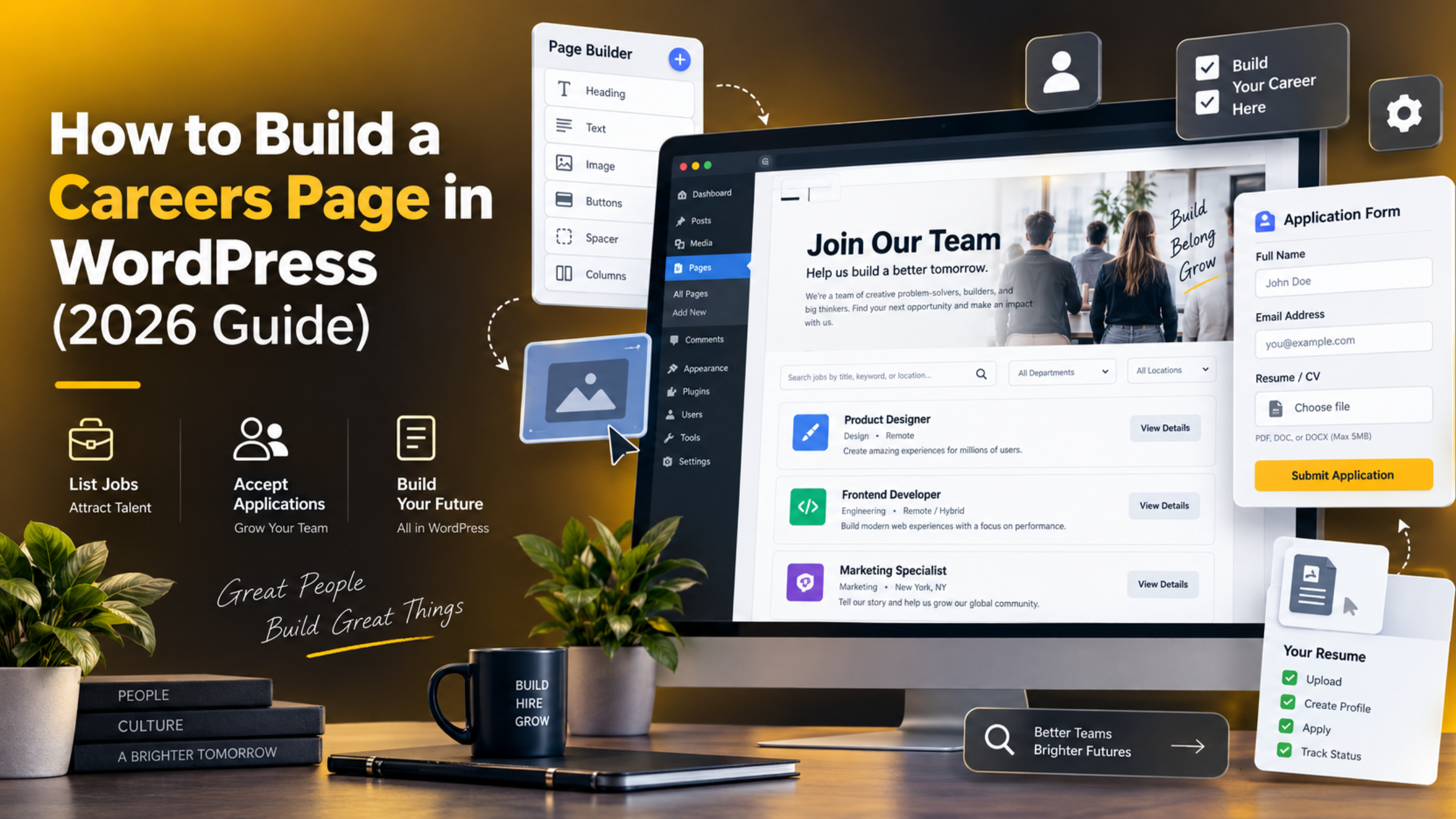
How to Build a Careers Page in WordPress (2026 Guide)
A careers page is often the quietest page on a website. It should not be. It is where good people decide whether to apply or close the tab. And on a WordPress site you can build a strong one in an afternoon.
This guide walks through the whole job. You will plan the page, choose how to store your job listings, build it, collect applications, and make sure search engines can find it. Every step uses tools WordPress already gives you.
What a Careers Page Needs to Do
Start with the job the page has to do. A careers page has three tasks. It has to sell the company, list the open roles, and make applying easy. Most pages only manage one of the three.
Selling the company comes first. A candidate lands on your page knowing almost nothing. They want to know what you do, how you work, and why people stay. Two short paragraphs and a few real photos beat a page of buzzwords.
Listing the roles comes second. Each open role needs its own space with a clear title, a location, and a work pattern. If a visitor has to read a wall of text to find out whether you are hiring in their city, you have lost them.
Making applying easy comes last, and it is the step most sites fluff. Every extra field loses candidates. Ask for a name, an email, a CV, and one short question. You can ask the rest at interview.
One more thing matters. The page must still work when you have no openings. An empty careers page that says nothing looks like a dead company. Plan for that state from the start.
Plan the Page Before You Build
Five minutes of planning saves a rebuild later. Decide these four things before you touch WordPress.
Decide how many roles you expect. One or two roles a year is a different build from twenty roles at a time. A small number can live on a single page. A large number needs its own listing system. Guess high rather than low.
Decide who will update it. If a recruiter or office manager will post the jobs, the page has to be simple for them. That usually rules out anything that needs code. Build for the person who will actually use it.
Decide where applications go. An email inbox works for a handful of roles. Beyond that, applications get lost. Decide now whether they land in an inbox, a shared mailbox, or a form entry list inside WordPress.
Decide your URL. Use something short and obvious, like /careers/ or /jobs/. Do not use /about/careers-2026/. Candidates type these by hand and recruiters share them constantly.
Decide How to Store Your Job Listings
This is the choice that shapes everything else. WordPress gives you three sensible options. Pick by the number of roles you expect, not by which sounds cleverest.
Option 1: One page, roles listed on it
You create a single page and list each role on it as a block. It takes ten minutes and needs no extra software. It is the right answer for a company hiring one to five people a year.
The limit is that each role has no page of its own. So a role cannot be shared as its own link, and search engines have one page to index instead of five. For occasional hiring that trade is fine. You can also move to one of the other two options later without rewriting anything you have already published.
Option 2: Roles as posts in their own category
You publish each role as a normal post in a category called Jobs, then point the careers page at that category. Now every role has its own URL and its own place in search results.
This costs nothing and uses features you already know. The catch is that jobs mix into your blog feeds unless you exclude the category. Most themes let you do that in the blog settings, and any developer can do it in a few minutes. It suits a company hiring five to fifteen people a year, and it is the option most small firms end up on.
Option 3: A dedicated job listings plugin
A jobs plugin adds a custom post type for roles, with proper fields for location, salary, and closing date. It also handles applications and often adds job search markup for you.
Pick this when you hire constantly or run multiple locations. Install it on a staging copy first and take a backup before you add it to a live site, because a plugin that adds a post type changes your URL structure. Our guide to setting up a staging site in WordPress shows how.
Build the Page Step by Step
Here is the build for the most common case: a single careers page with roles listed on it. The steps are the same if you later move to posts.
Step 1. Create the page. Go to Pages → Add New. Title it “Careers” or “Work With Us”. Set the slug to careers in the sidebar under Permalink.
Step 2. Add the opening section. Write two short paragraphs about the company and add one real photo of the team. Avoid stock images of strangers in a glass office. Candidates can spot them instantly.
Step 3. Add a benefits row. Use a Columns block with three or four items. Name concrete things: remote days, learning budget, holiday allowance, pension. Vague words like “great culture” do nothing.
Step 4. Add the roles. For each open role, add a Group block containing a heading, a short summary, the location, the work pattern, and a button. Keep every role in the same shape so the list scans easily. Our walkthrough of the WordPress block editor covers these blocks.
Step 5. Save the role as a pattern. Select the Group, open the block options, and choose Create Pattern. Now adding the next role takes seconds and every role stays consistent.
Step 6. Add the application form. Place your form below the roles, or link each role button to it. Include a field where the candidate names the role they want.
Step 7. Add the page to your menu. Go to Appearance → Menus and add Careers to the footer menu at least. Our guide to WordPress menus covers the options.
Step 8. Check it on a phone. Most job hunting happens on a phone. Open the live page on a real device and try to apply. Our guide on making a WordPress site mobile friendly lists the checks.
Write Job Listings People Actually Read
The listing itself decides who applies. Most job adverts are written for the company, not the reader. Fixing that costs nothing and widens your pool straight away.
Use the job title people search for. Write “Customer Support Agent”, not “Support Ninja”. Candidates search real titles, and so does Google. Clever titles cost you applications.


Lead with the day, not the duties. Open with what the person will actually do in a normal week. A short paragraph of reality beats twelve bullet points of responsibilities.
Split must-have from nice-to-have. Long requirement lists scare off good candidates, especially those who count themselves out early. Name three or four real must-haves and label the rest as a bonus.
State the salary range. Listings with a range get more applications, and in several regions publishing one is now a legal requirement. Check your local rules before you leave it out.
Say where the job is. Name the city, and say plainly whether it is on site, hybrid, or remote. If it is remote, say which countries you can hire in. This is the single most common missing detail.
Explain the process. Tell people how many stages there are and roughly how long it takes. Candidates trust a company that shows its hand.
Collect Applications Without Losing Any
An application that vanishes costs you a hire and your reputation. Build the collection side with the same care as the page.
Keep the form short. Name, email, role, CV upload, and one open question. That is enough to decide on a first pass. Every extra field measurably lowers completion.
Allow proper file uploads. Accept PDF and Word documents and allow at least five megabytes. If uploads fail, check your server’s upload limit under Tools → Site Health → Info → Server.
Store entries in WordPress, not just email. Notification emails get filtered, bounced, or deleted. A form that also saves entries to the database gives you a record you can search later.
Send an automatic confirmation. A short “we have got your application” email stops candidates chasing you and makes you look organised. Set it up once and forget it.
Test the whole flow yourself. Apply to your own job with a real CV. Confirm the email arrives, the file opens, and the entry is saved. Do this again after every plugin or theme update.
Handle the data properly. CVs are personal data. Decide how long you keep them, say so on the form, and delete old entries on schedule. Keeping a reliable WordPress backup matters here too, because losing applications is worse than losing a blog post.
Help Search Engines Find Your Jobs
People search for jobs on Google before they visit your site. A little setup puts your roles in front of them.
Give each role its own page where you can. A single URL per role is what search engines index and what recruiters share. This is the main reason to outgrow the one-page build.
Add job posting structured data. This is a small block of hidden code that tells Google the title, location, salary, and closing date. Roles with it can appear in Google’s job results. Most job listings plugins add it for you.
Write a real page title and description. Use something like “Careers at [Company] – Open Roles in [City]”. Our Yoast SEO tutorial shows where to set these.
Keep closing dates honest. Search engines drop listings that are past their closing date, and candidates hate applying for a filled role. Remove or mark closed roles promptly.
Make the page fast. Compress your team photos before upload. A careers page that takes six seconds to load on mobile data loses candidates before they read a word.
Keep It Current, Accessible and Compliant
A careers page rots faster than any other page on a site. Put a small routine around it and it will stay useful.
Review it monthly. Put a recurring reminder in a calendar. Remove filled roles, update dates, and check the form still works. Ten minutes a month is enough.
Write a proper empty state. When nothing is open, say so and invite speculative applications. Something like “No open roles right now, but we always read good introductions” keeps the page working for you.
Make it usable for everyone. Label every form field properly, keep colour contrast strong, and make sure the whole form works with a keyboard alone. Our guide on adding accessibility features in WordPress covers the basics.
Check your legal wording. Many regions require an equal opportunity statement, a privacy notice on the form, and in some places a salary range. Rules vary by country, so confirm what applies to you.
Test after every update. Theme and plugin updates can break form styling or file uploads silently. Update on a staging copy first, and always back up before changing anything on a live site.
Bringing It Together
A good careers page is not a design problem. It is a clarity problem. Say what the company does, list the roles plainly, and make applying take two minutes instead of twenty.
Start with the simplest build your hiring volume allows. One page with roles listed on it is enough for most small companies, and you can move to posts or a jobs plugin later without losing the work. Choosing the small version first is not cutting corners. It is the right size.
Then keep it alive. The monthly review is what separates a careers page that brings in applications from one that quietly turns people away. Filled roles left up for six months tell every visitor that nobody is watching the page, and they draw the wrong conclusion about the company too.
Want your careers page built, fixed, or made faster without the guesswork? Our team works on WordPress sites every day, from small fixes to full builds. Visit 24×7 WP Support and tell us what you need.

Brian is a WordPress support specialist and content contributor at 24×7 WP Support. He writes practical, easy-to-follow guides on WordPress troubleshooting, WooCommerce issues, plugin and theme errors, website security, migrations, performance optimization, and integrations. With a focus on solving real website problems, Brian helps business owners, bloggers, and online store managers keep their WordPress sites running smoothly.
