
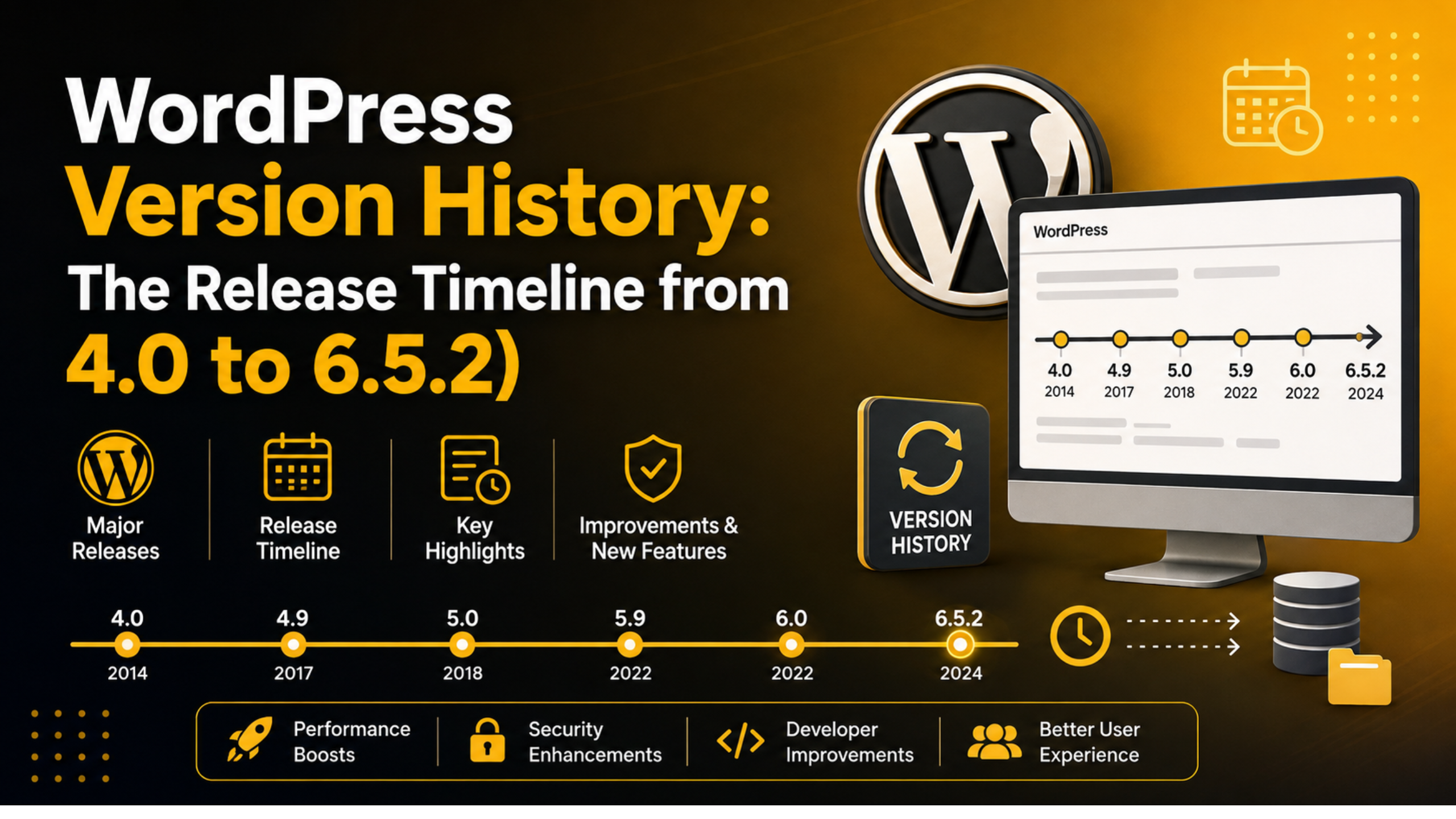
WordPress Version History: The Release Timeline from 4.0 to 6.5.2
Every WordPress site you visit rests on years of steady evolution. Behind the familiar dashboard sits a long chain of releases, each adding features, closing security holes, and reshaping how people build for the web. Tracing that chain from version 4.0 to 6.5.2 tells the story of how a simple blogging tool grew into the platform that powers a huge share of the internet.
This timeline walks through that decade of progress. You will see the headline features of each era, the naming tradition behind the releases, and why understanding this history helps you make smarter decisions about updates today.
A Quick Word on How WordPress Names Its Releases
Since the early days, every major WordPress release has carried the name of a celebrated jazz musician. The tradition is a nod to the music the development team enjoys, and it gives each version a friendly identity beyond a bare number.
Numbering follows a simple pattern. A jump like 4.9 to 5.0 signals a major release with big new features, while a change like 5.0 to 5.0.1 marks a minor release focused on fixes and security. Keeping that distinction in mind makes the rest of this timeline easier to follow.
The 4.x Era: Polishing the Classic Experience
WordPress 4.0, named “Benny,” arrived in 2014 and refined the writing and media experience. It introduced a grid view for the media library and a smoother way to embed content simply by pasting a link. The goal was to make everyday editing feel effortless.
The releases that followed kept sharpening those edges. Versions through 4.6 improved theme customization, added inline image editing, and made the editor more reliable when your connection dropped. Each step was modest on its own, but together they made the classic editor feel mature and dependable.
Default themes tell the same story of gradual polish. Each year brought a new flagship theme built to show off the latest features, and these themes doubled as living documentation for what the release could do. Studying them is a neat way to watch the platform mature one year at a time.
The REST API Milestone
WordPress 4.7, “Vaughan,” landed at the end of 2016 and quietly changed everything for developers. It brought the REST API content endpoints into core, opening WordPress up as a flexible back end that other applications could talk to.
This was the moment WordPress became more than a website builder. The final 4.x releases, through 4.9 “Tipton,” added a code editor with error checking and better scheduling for customizer changes, setting the stage for the biggest shift the platform had ever seen.
WordPress 5.0: The Block Editor Changes Everything
In December 2018, WordPress 5.0 “Bebo” replaced the long-serving classic editor with Gutenberg, a brand-new block editor. Instead of one large text box, content was now built from individual blocks for paragraphs, images, galleries, buttons, and more.
The change was bold and, for some, jarring. Yet it laid a foundation for visual, flexible page building without extra tools. Users who preferred the old way could still install the classic editor, and that option remains widely used, easing the transition for long-time site owners.
The block editor also changed how developers thought about building for WordPress. Instead of shortcodes and custom meta boxes, teams began creating reusable blocks that non-technical users could drop into a page. That shift rippled outward across themes, plugins, and the wider community for years to come.
The Rest of the 5.x Line: Refining Blocks
The releases after 5.0 spent their energy making the block editor genuinely pleasant to use. Versions 5.1 through 5.4 improved performance, added block management tools, and introduced welcome touches like the ability to drag blocks around more naturally.
WordPress 5.5 sharpened the editor further with block patterns and built-in support for lazy-loading images, a real speed win. Then 5.6 “Simone” shipped a new default theme and automatic updates for major core releases, giving site owners more control over how their sites stayed current.
Two more releases rounded out this stretch. Version 5.3 improved support for large images and refined the editor’s handling of long content, while 5.4 added welcome blocks and made the interface quicker to navigate. None of these releases reinvented the platform, but each removed friction that users felt every day.
Widgets and Full Site Editing Take Shape
WordPress 5.8, “Tatum,” extended blocks into a new area by letting you build widget zones with the same block tools. It also introduced the template editor, an early taste of designing whole layouts visually.
That direction reached a turning point with 5.9 “Josephine” in early 2022. It launched full site editing alongside a block-based default theme, letting people design headers, footers, and templates directly with blocks. The classic separation between content and theme began to blur.
The 6.x Era: The Site Editor Grows Up
WordPress 6.0 “Arturo” arrived in May 2022 and focused on making the new site editor faster and more capable. It added style switching, better list-view navigation, and dozens of small refinements that made block-based design feel less experimental and more everyday.


Version 6.1 “Misha,” released later that year, introduced a fuller set of design tools and a new default theme built to showcase them. The emphasis was consistency, so that spacing, typography, and colors behaved predictably across every block.
Steady Refinement Through 6.2 and 6.3
WordPress 6.2 “Dolphy” brought the site editor out of its beta label in March 2023. It gave the editing interface a cleaner layout and made it easier to browse templates and patterns from one place.
Then 6.3 “Lionel,” in August 2023, unified the experience further by letting you edit templates, navigation, and styles inside a single, coherent tool. Performance improved again, and a new command palette made jumping around the editor much quicker for power users.
Closing the Timeline: 6.4 and 6.5
WordPress 6.4 “Shirley” shipped near the end of 2023 with a fresh default theme and a lighter, faster editor. It added handy writing tools and continued the pattern of small, meaningful improvements rather than disruptive change.
WordPress 6.5 “Regina” followed in April 2024 with the Font Library for managing fonts across a site, faster loading through smarter data handling, and more reliable revisions in the site editor. The maintenance release 6.5.2 arrived soon after, bundling security and bug fixes to keep sites on that branch safe and stable.
Looking across the whole 6.x line, a pattern stands out. The dramatic changes were mostly behind us, and the focus had shifted to refinement, speed, and reliability. Instead of asking users to relearn the platform, these releases made the tools they already knew work better. That maturity is a sign of a platform confident in its direction and attentive to the people who depend on it every day.
The Quiet Importance of Minor Releases
The big version jumps grab the headlines, but the small releases between them do a lot of unglamorous heavy lifting. A minor release such as 6.5.2 exists to fix bugs and patch security issues discovered after a major launch. These updates rarely change how anything looks, which is exactly why they are easy to overlook.
WordPress can apply many of these minor and security updates automatically, and leaving that feature on is one of the safest choices a site owner can make. Attackers often target flaws that were fixed months earlier, relying on sites that never installed the patch. Staying current on the minor releases quietly closes that door before anyone can walk through it.
Why This History Matters for Your Site Today
Knowing where WordPress has been helps you understand where it is going. The clear arc from the classic editor to full site editing shows that blocks are the future, so learning them now is time well spent. If you ever hit trouble after a big update, our guide on how to update a WordPress website walks through doing it safely.
The history also underlines why updates matter. Many releases carried important security fixes, and running an old version leaves known holes open. Before any major update, it is wise to protect your data first, which our post on how to backup and restore a WordPress website explains in plain steps.
How a New Release Comes Together
Each major version follows a rhythm. A release lead guides the work, contributors propose and test features, and the community tries everything in public beta and release-candidate builds before launch. This open process is why WordPress updates tend to feel stable on day one.
It also explains the pace. Major releases usually appear a few times a year, spaced far enough apart to gather feedback yet often enough to keep momentum. For you, that predictable cadence means updates are rarely a surprise. You can plan for them, test them on a copy of your site, and roll them out on your own schedule rather than scrambling.
How to Check Which Version You Are Running
Finding your current version takes only a moment. Log in to your dashboard, and the version number appears at the bottom right of most admin screens and on the main At a Glance panel. Keeping that number close to the newest release is one of the simplest ways to stay secure.
If your site runs on an older branch, plan an update rather than putting it off. Test on a staging copy when you can, and make a fresh backup first. For related database housekeeping that often accompanies an upgrade, see our guide on how to repair a WordPress database.
Final Thoughts
From the media polish of 4.0 to the mature site editor of 6.5, WordPress has followed a clear thread: make powerful publishing accessible to everyone. Each release added a piece, and looking back at the whole timeline shows just how far the platform has traveled in a decade.
Staying current with this evolution keeps your site fast, secure, and ready for what comes next. The story is far from over, and each new release builds on the foundation these versions laid. If you would like expert help updating safely or catching up several versions at once, the team at 24×7 WP Support is ready to help. Visit 24x7wpsupport.com to keep your WordPress site on solid ground in 2026.

Brian is a WordPress support specialist and content contributor at 24×7 WP Support. He writes practical, easy-to-follow guides on WordPress troubleshooting, WooCommerce issues, plugin and theme errors, website security, migrations, performance optimization, and integrations. With a focus on solving real website problems, Brian helps business owners, bloggers, and online store managers keep their WordPress sites running smoothly.
