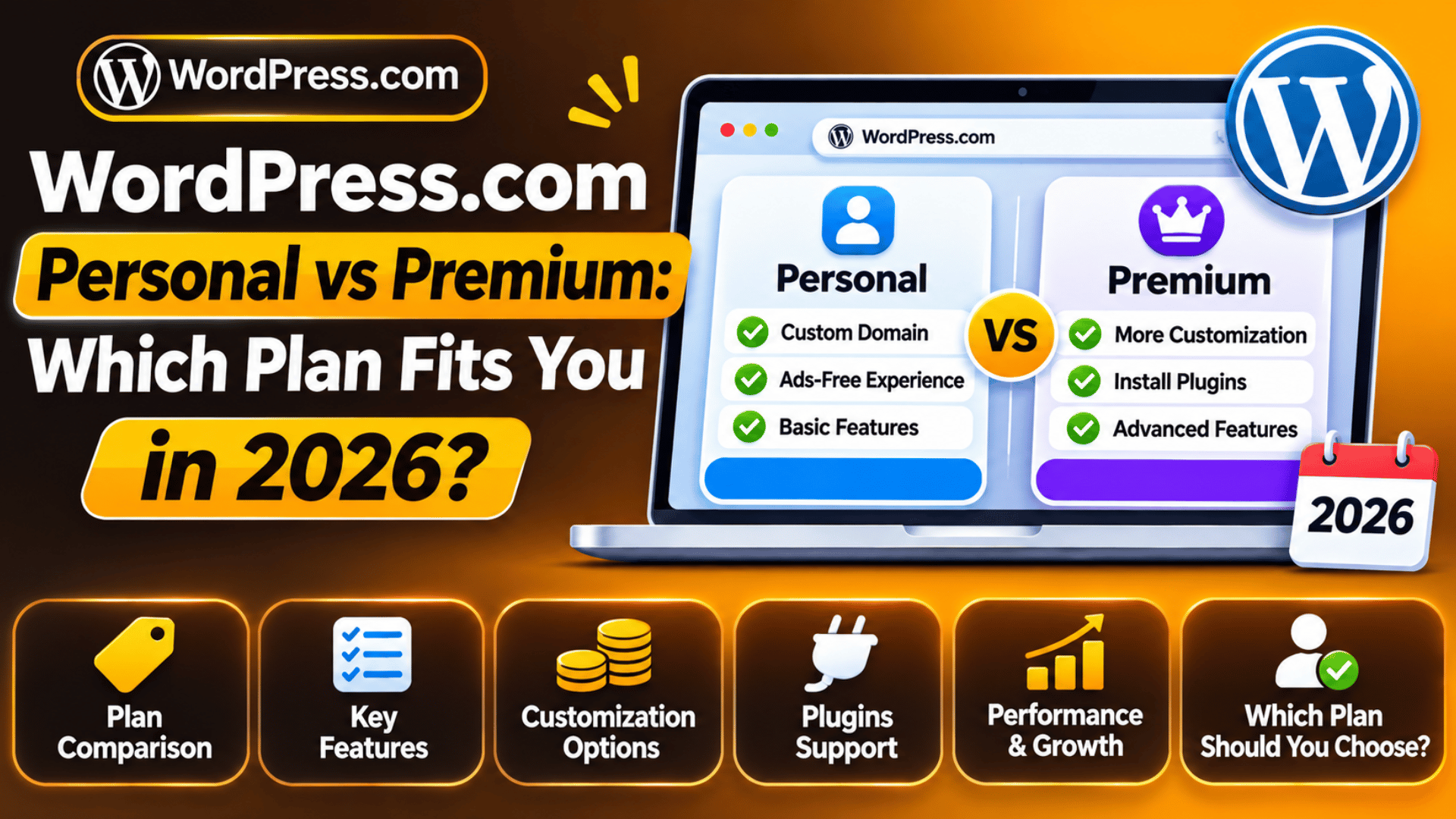
WordPress.com Personal vs Premium: Which Plan Fits You in 2026?
WordPress.com sells two low-cost paid plans. One is named Personal. The other is named Premium. They sit side by side on the price page, and they look much the same at first.
They are not the same. One costs twice as much as the other. This guide shows what you pay for each one in 2026. It shows what both plans share, what only Premium adds, and how to pick the right one for your site.
The Short Answer: Personal vs Premium at a Glance
Personal is the plan for a site you run for its own sake. Think of a blog, a CV page or a club site. Premium is the plan for a site that has to earn money or grow an audience. That is the main split, and most of the detail below follows from it.
Both plans take the ads off your site. Both give you a free domain for the first year on a yearly term. Both let you add plugins. So the choice is not about the basics. It comes down to five extras, and Premium is the only one that has them.
| Feature | Personal | Premium |
|---|---|---|
| Price per month, paid yearly | $4 | $8 |
| Storage space | 6 GB | 13 GB |
| Earn from ads on your site | No | Yes |
| Take payments | No | Yes |
| Google Analytics link | No | Yes |
| SEO tools and deeper stats | No | Yes |
Premium once had a different name. It was sold as the Explorer plan for a while. If you see that name in an old guide, it means the same plan. The name Personal has not changed.
What Each Plan Costs in 2026
The price you pay depends on how long you sign up for. A longer term gives a lower rate per month. The prices below are in US dollars, before tax, as shown on the price page at the time of writing.
Personal costs $9 if you pay month by month. On a one-year term it works out at $4 a month. On a two-year term it drops to $3.25 a month. On a three-year term it is $2.75 a month.
Premium costs $18 if you pay month by month. On a one-year term it works out at $8 a month. On a two-year term it is $6.50 a month. On a three-year term it is $5.50 a month.
Keep two things in mind. First, the long terms are billed in one payment at the start. So a year of Personal is one charge of about $48, and a year of Premium is about $96. Second, prices can differ by country and can change. Check the live price page before you buy.
The monthly option costs more than double the yearly rate. It also leaves out the free domain. Pay by the month only if you need the site for a short time. For more on this choice, see our guide to monthly and yearly WordPress costs.
What You Get on Both Plans
The two plans share a long list of features. This is the part many people miss. If all you need is in this list, the cheaper plan will do the job.
No ads and your own domain. A free site shows ads that you do not control. Both paid plans take them away. Both also give you a free custom domain for the first year, as long as you pick a one, two or three-year term. After that first year, you pay to renew the domain.
Themes and design tools. Both plans open up the premium themes. Both let you change fonts and colours across the site. Both let you add your own CSS, which is the code that sets how a page looks.
Plugins. Both plans let you add plugins. Free sites cannot do this. So Personal is now the lowest plan with plugin access.
Developer access. Both plans give you SFTP and SSH, which are safe ways to reach your site files. Both include WP-CLI, the command line tool for WordPress. You also get the database through phpMyAdmin.
No traffic caps. Both plans allow as many pages, posts, users and visitors as you like. Both come with help from the support team at any hour.
What Only Premium Adds
Premium has all that Personal has, plus the extras below. Each one ties back to money or growth. Go through them one by one, and ask if you would use it in the next year.
Earn from ads. Premium lets you join WordAds, the ad scheme run by WordPress.com. It puts ads on your pages and pays you a share. Personal has no way to do this. The sums are small on a low-traffic site, so do not count on it to cover the plan fee.
Take payments. Premium lets you collect money on your site. You can sell a file, take a gift or charge for a members post. A fee is taken from each sale. That fee is lower on the higher plans, so check the current rate before you set your prices.
Google Analytics. Premium lets you link your site to a Google Analytics account. This gives far more detail than the built-in stats. You can see where readers come from and what they do next.
SEO tools and deeper stats. Premium lets you write your own page titles and meta descriptions for search results. It also adds stats with UTM tracking. UTM tags are short codes on a link that show which ad or email sent the visitor.

Video upload and more space. Premium lets you upload MP4 video files and play them in a post. Personal lists audio upload but not video. Premium also has 13 GB of storage, which is more than twice the 6 GB on Personal.
What Neither Plan Includes
Some features sit above both plans. It helps to know this before you pay, so that you do not buy Premium for a thing it does not have. These features start on the Business plan.
The first is a staging site. This is a private copy of your site where you can test a change before it goes live. Neither Personal nor Premium has one. So any change you make to a plugin or theme goes straight to the live site. Take a backup first, or make the change at a quiet hour.
The second is large storage. Business starts at 50 GB. That matters if you host a lot of photos or audio. The third is the 4K video player with its own video storage. Premium can play an uploaded MP4, but not at that level.
The fourth is a lower fee on payments. If you sell a lot, the fee you save on a higher plan can be more than the price gap. Our post on whether the Business plan is worth the cost goes through that maths.
Who Should Pick Personal and Who Should Pick Premium?
You do not need to guess. Match your site to one of the two cases below. If you are stuck in the middle, start low. It is easy to move up, and harder to get money back when you move down.
Pick Personal If the Site Is for You
Personal fits a site with no sales goal. A diary blog, a family news page and an online CV are good examples. So is a page for a local club. You get a clean site with your own domain and no ads.
You can still add a contact form or a gallery with a plugin. Six gigabytes holds a great many photos if you resize them first. If you do not plan to sell, run ads or study your traffic in depth, the extra $48 a year for Premium buys you little.
Pick Premium If the Site Has to Earn or Grow
Premium fits a site with a goal you can count. You may want to sell an ebook. You may want to grow a mailing list, or rank for a search term. For that you need to take payments and to see what works.
The analytics link and the SEO fields are the two tools that most site owners in this group use each week. Video is the other reason to pick it. If you post your own clips, Personal will not do. Premium is also the right call if you know you will pass 6 GB within the year.
Can You Switch Plans or Get a Refund Later?
Yes, you can do both, within limits. The rules are worth a read before you choose a long term. A three-year plan is cheap per month, but it is one large payment up front.
Refunds. A yearly, two-year or three-year plan can be refunded within 14 days of the charge. A monthly plan has a 7-day window. To get the refund you have to cancel and then remove the plan from your account. Cancelling on its own just stops the renewal.
Moving up. You can go from Personal to Premium at any time from the plans screen in your dashboard. Your posts, pages, media and domain stay where they are. The new features switch on at once.
Moving down. Inside the refund window, a move from Premium to Personal takes effect at once, and you get the price gap back. After that window, the change waits until your renewal date. You are not paid back for unused time. Your content is kept. If you hold more files than the lower plan allows, they stay, but you cannot upload new ones until you free up space. Ad earnings stop, though past earnings are kept.
When a Self-Hosted WordPress Site Makes More Sense
Both plans run on WordPress.com, which is a hosted service. There is a second route. You can take the free WordPress software and run it on a hosting account of your own. This is often called self-hosted WordPress.
On that route there are no plan tiers. You can take payments, run ads and link any analytics tool from day one. You can also build a staging copy. The trade is that updates, backups and security are yours to look after. Our guide on WordPress.com or WordPress.org sets the two side by side.
You can also start on a paid plan and move later. Your posts and pages can be exported and brought across. Take a full export of your content before you start, and keep the old site live until the new one is checked. The steps are in our guide on how to move from WordPress.com to WordPress.org. And if income is the aim, see our tips on how to make money on WordPress.
Still not sure which plan suits your site, or thinking of a move to your own hosting? The team at 24×7 WP Support works on WordPress setup, moves and fixes every day. If you would like someone to take a look, reach out to us at any hour.


Brian is a WordPress support specialist and content contributor at 24×7 WP Support. He writes practical, easy-to-follow guides on WordPress troubleshooting, WooCommerce issues, plugin and theme errors, website security, migrations, performance optimization, and integrations. With a focus on solving real website problems, Brian helps business owners, bloggers, and online store managers keep their WordPress sites running smoothly.