
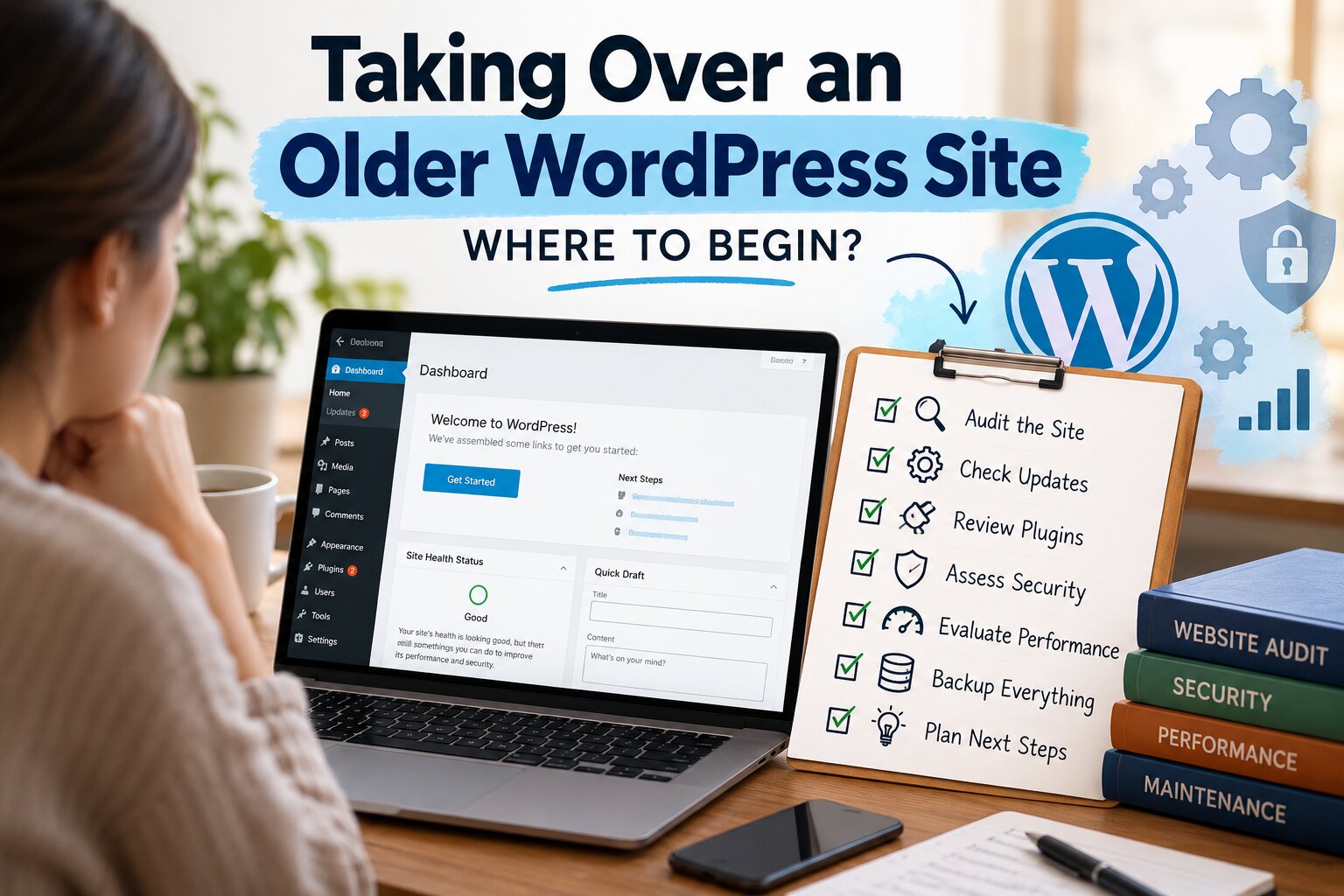
Taking Over an Older WordPress Site: Where to Begin
You’ve been asked to look after a WordPress website that has been running for years. The previous developer is unavailable, the plugin list is long, and nobody is certain which accounts belong to the business. The urge to tidy everything immediately is strong.
Resist starting with a mass update or a round of deletions. First establish what the site does, what the business needs, and what can be recovered if a change goes badly. That gives the work a safer and more useful starting point.
Learn the business process before the software list
Ask staff how they use the website. Where do enquiries arrive? Does anyone export orders or registrations? Which pages are used in campaigns? A feature that appears unimportant to a new maintainer may support a daily administrative task.
Write down the essential journeys and check their current behaviour. Record existing faults as existing faults. This avoids attributing every later discovery to the first maintenance work and helps the business decide which problems deserve attention first.
Take note of manual workarounds. Staff may be compensating for a long-standing issue without considering it a website fault. Those workarounds can reveal both risk and opportunities, but they need to be understood before they are removed.
Establish control and recovery
Identify the domain, hosting, WordPress administrator accounts and external services. Confirm who owns each account and how authorised access is managed. If ownership is unclear, resolve it through the provider’s legitimate process rather than relying on a former contractor’s continued cooperation indefinitely.
Ask a qualified person to assess the backup arrangements and the ability to recover the site. Understand the limitations before making material changes. A backup label is not enough information if nobody knows what the copy contains or how to use it.
Keep the account register separate from secret credentials. The register should help the team find the right owner and access route without becoming a security problem of its own.
Sort findings into useful groups
Separate urgent faults, routine care and planned improvements. A broken enquiry route may need prompt action. An untidy but functioning page can be scheduled. A replacement booking system is likely to be a project with its own requirements.
Ask the technical reviewer to explain the practical consequence of each finding. A long list of warnings is difficult for a business owner to prioritise without knowing what each one means for customers or staff. Avoid treating every item as equally urgent.
Record uncertainties too. If nobody knows what a component does, the next task is investigation. Labelling it ‘unused’ before checking can turn a cleanup exercise into an avoidable failure.
Make the first changes small and traceable
Agree a sequence of work with clear checks after each meaningful step. Where appropriate, use a separate test environment to explore unfamiliar dependencies. Keep enough information to explain what changed if the result differs from expectations.
Tell staff when work may affect their routine. They can report useful observations, but only if they know what is happening and where to send them. A brief message with the affected feature and time window is often sufficient.
When moving into an ongoing arrangement, BugShield’s WordPress maintenance plans can help structure a discussion about future support. Share the initial findings and distinguish inherited repair work from the care expected once the site is in a known condition.


Make a recovery test part of the handover
Before touching the live site, ask for a recent backup containing both the database and the files needed to run it. Confirm where that copy is stored and who can retrieve it if the hosting account becomes unavailable. A backup that depends entirely on access to the failed server leaves a gap in the recovery plan.
Restore the copy into an isolated test environment with help from the host or maintainer. Protect it with authentication and prevent it from sending real customer emails, processing payments or triggering connected services. Hiding a staging site from search engines is useful, but it is not a substitute for controlling access to customer information.
Check a small set of meaningful actions on the restored copy: open a recent page, view an uploaded image, sign in with an authorised test account and inspect a representative order or form entry where relevant. Record the backup date, what was restored and anything missing. The aim is to understand what recovery would actually give you, including the possible loss of newer changes.
Give every plugin a reason to stay
Build a simple inventory of the active theme, plugins, licence owners and any custom code. For each component, add one sentence explaining its job. A plugin name alone may mean little to the next person, whereas “sends completed bookings to the office calendar” immediately explains what needs testing.
Check whether updates come from an official source and whether the business controls the necessary licences. A paid plugin can continue running after a licence expires while losing access to updates or support. Record that distinction rather than assuming that a working screen means the account arrangements are sound.
Investigate unfamiliar components on staging before removing them. Look for shortcodes in older pages, scheduled tasks, custom fields and features used only by signed-in staff. If a replacement is needed, plan what happens to its stored data and settings. Deactivating something and seeing no immediate error is a useful observation, but it does not prove that every dependency has been checked.
Agree what happens during the first month
Turn the initial findings into a short schedule. Give each task an owner, a reason and a way to confirm it worked. For example, repairing email delivery should end with a labelled test enquiry reaching the correct inbox, not simply with a plugin being installed.
Keep a separate list of decisions awaiting the owner. These might include renewing a licence, approving access or choosing whether an old feature is still needed. At the first review, discuss unresolved items alongside completed work so that important gaps do not disappear behind a reassuring update count.
Leave a clearer site behind
The first review should produce something another person can use: an account map, a description of important functions and a prioritised list of open work. Keep it concise enough to maintain as the site changes.
Agree who will update that record and who approves future additions. Otherwise, the website can slowly return to the same undocumented state after the initial cleanup.
Taking over an older site is partly technical investigation and partly recovering the decisions that shaped it. You don’t need to understand every line of code on day one. You do need a reliable picture of what matters, who controls it and how the next change will be checked.

Brian is a WordPress support specialist and content contributor at 24×7 WP Support. He writes practical, easy-to-follow guides on WordPress troubleshooting, WooCommerce issues, plugin and theme errors, website security, migrations, performance optimization, and integrations. With a focus on solving real website problems, Brian helps business owners, bloggers, and online store managers keep their WordPress sites running smoothly.
