
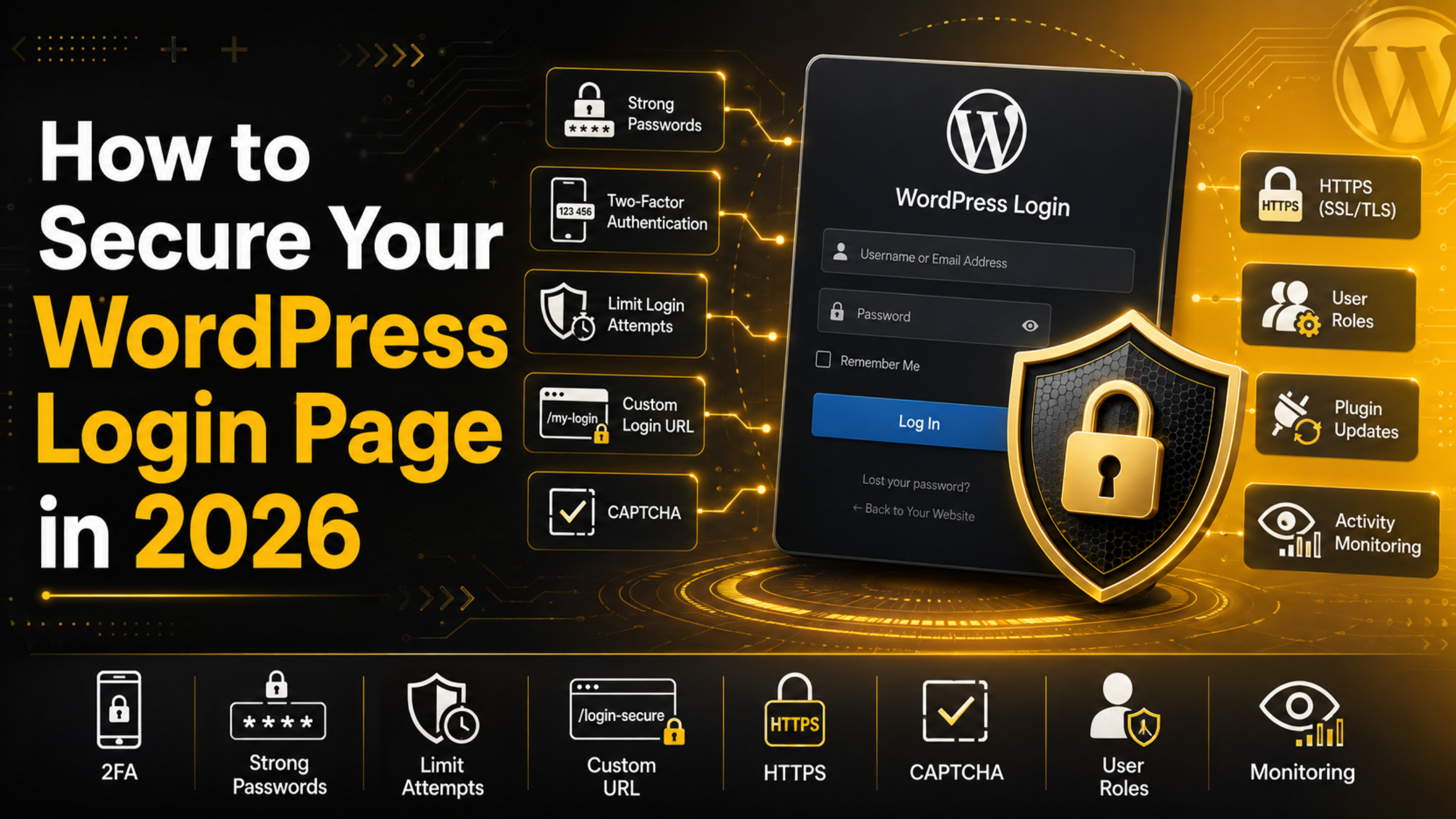
How to Secure Your WordPress Login Page in 2026
How to Secure Your WordPress Login Page in 2026
Your login page is the front door to your website. It is also the first place attackers try to break in. Every day, bots scan the web and hammer WordPress login forms with guessed passwords. Most of these attacks are automated. They never stop, and they never sleep.
The good news is that you can shut the door on them. A few smart steps make your login page far harder to crack. None of them are complex. In this guide, you will learn how to lock down your WordPress login in 2026, step by step.
Why the Login Page Is a Target
WordPress powers a huge share of the web. That makes it a favorite target for attackers. They know that many sites use weak passwords. They also know the login page sits at the same address on most sites.
By default, anyone can reach your login screen. They can also try to log in as many times as they like. Attackers use this to run brute-force attacks. That means guessing thousands of passwords until one works.
If they get in, the damage can be severe. They can steal data. They can deface your pages. They can install harmful code. So the login page is worth protecting well.
Use Strong, Unique Passwords
A strong password is your first line of defense. Weak passwords are the top reason accounts get hijacked. Short words and common phrases are easy to guess. So are names, birthdays, and simple number runs.
Aim for a long password. Sixteen characters or more is a good target. Mix in upper and lower case letters, numbers, and symbols. The longer and more random it is, the safer you are.
Never reuse a password across sites. If one site leaks, attackers try that same password everywhere else. A password manager helps here. It creates strong passwords and remembers them for you. That way you never have to settle for something weak.
Turn On Two-Factor Authentication
Two-factor authentication adds a second lock to your door. Even if someone steals your password, they still cannot get in. They would also need the second factor, which only you hold.
That second factor is usually a code from your phone. It can come from an app or a text message. Some people use a small hardware key instead. Any of these options work well.
Two-factor authentication is one of the strongest steps you can take. It blocks almost all automated attacks on its own. Turn it on for every admin account without delay.
Limit Login Attempts
By default, WordPress lets people try to log in over and over. This is a gift to brute-force bots. They can guess passwords all day with no limit.
You can close this gap. Set a limit on failed login attempts. After a few wrong tries, the system locks that user out for a while. This slows attackers to a crawl.
A lockout of a few minutes is enough to stop most bots. They rely on speed and volume. Take those away, and their attack falls apart. This one change makes a big difference.
Change Your Login URL
Most WordPress sites use the same login address. Attackers know it by heart. If they cannot find your login page, they cannot attack it.
You can move your login page to a custom address. Pick something only you would know. This simple move hides your door from most bots. They scan for the default path and find nothing.
Not sure where your login page lives right now? Our guide on how to find your WordPress login URL walks you through it. Once you know the default, you can plan a safer custom path.
Avoid the Username “admin”
Attackers need two things to log in. They need a username and a password. If your username is “admin,” you have handed them half the puzzle.
“admin” is the first username every bot tries. Never use it. Pick a unique username that is hard to guess instead. Avoid your site name and your own name, too.
If you already use “admin,” do not panic. Create a new admin account with a fresh username. Then move your content over and remove the old one. Our guide on how to access the WordPress admin area can help you manage these accounts safely.
Hide Login Error Messages
WordPress tries to be helpful when a login fails. Sometimes it says the username is wrong. Other times it says the password is wrong. This is useful for you, but it also helps attackers.
That message tells them when they have a real username. Then they only need to crack the password. You can turn off these detailed hints. A simple, generic error keeps attackers guessing.
Show the same message for every failed login. Do not reveal which part was wrong. This small change removes a useful clue from any attacker.
Add a CAPTCHA to the Login Form
A CAPTCHA checks that a real person is logging in. It asks for a simple task that bots struggle with. This could be ticking a box or picking images. People pass it in a second. Bots often cannot.
Adding a CAPTCHA to your login form blocks a huge wave of automated tries. It targets the exact thing brute-force bots rely on. And it barely slows down real users at all.


Keep the CAPTCHA simple and easy to read. You want to stop bots, not frustrate your own team. A light, clear challenge strikes the right balance.
Always Use HTTPS on Login
When you log in, your password travels across the internet. Without protection, someone could read it in transit. HTTPS scrambles that data so no one can snoop.
Make sure your whole site runs on HTTPS. This is standard in 2026, and most hosts offer it for free. Check that the login page shows a secure padlock in the browser.
Never log in over an open, unsecured connection. A public network without HTTPS is a real risk. Secure the link first, then sign in with peace of mind.
Log Out Idle Sessions
Sometimes people forget to log out. They walk away with a session still open. Anyone at that screen could take control.
You can set sessions to expire after a period of rest. If an account sits idle, WordPress logs it out on its own. This protects shared computers and busy offices.
It also limits the damage if a device is lost or stolen. An open session cannot last forever. A short idle timeout keeps your admin area safer.
Give Users Only the Access They Need
Not everyone on your site needs full control. WordPress offers several user roles for a reason. Give each person the lowest role that fits their job.
A writer does not need admin powers. An editor does not need to change core settings. When you limit roles, you limit risk. A hacked low-level account can do far less harm.
Review your user list often. Remove accounts that are no longer in use. Old, forgotten accounts are an easy way in. For a refresher on default access, see our WordPress admin login guide.
Keep WordPress and Your Plugins Updated
Old software is a gift to attackers. Outdated code often has known holes. Attackers look for these holes and slip right through them. A login lock means little if the rest of your site is out of date.
Update WordPress core as soon as new versions arrive. Do the same for your theme and every plugin. These updates often fix security flaws. Skipping them leaves your door propped open, no matter how strong the lock.
Turn on automatic updates for minor releases if you can. Then check in each week for the bigger ones. A quick review keeps your whole site current and safe.
What to Do After a Failed Attack
Sometimes you will spot a wave of failed logins. Do not ignore it. Treat it as a signal to tighten things up. First, change your admin passwords right away.
Next, review your user accounts. Remove anyone you do not recognize. Confirm that two-factor is on for every admin. Then scan your site for any changes you did not make.
If you feel unsure at any point, ask for help. It is better to check early than to clean up a breach later. A calm, quick response keeps a scare from becoming a crisis.
Watch Your Login Activity
You cannot fix what you cannot see. Keeping an eye on login activity helps you spot trouble early. A sudden burst of failed logins is a warning sign.
Track who logs in and when. Note any strange times or unknown locations. If something looks off, act fast. Change passwords and review your accounts right away.
Regular checks turn you from a target into a hard target. Attackers prefer easy sites. When they see a watched, well-guarded login, most simply move on.
Build a Simple Login Security Routine
Security is not a one-time task. It is a habit you keep. Set strong passwords and two-factor from day one. Limit login attempts and move your login URL early.
Then review your setup every few months. Update your passwords. Remove old accounts. Check your login logs for anything odd. These small steps add up to strong protection over time.
The best part is that each step is simple. You do not need to be a developer to do any of this. A little care goes a long way toward keeping your site safe.
Lock Your Front Door Today
Your WordPress login page will always draw attackers. But it does not have to be an easy way in. Strong passwords, two-factor, login limits, and a hidden login URL form a powerful shield. Add HTTPS, smart user roles, and regular checks, and your door becomes very hard to force.
Start with one step today, then build from there. Each layer you add makes the next attack less likely to work. Your site, your data, and your visitors are all worth that effort in 2026.
Want expert help locking down your login and the rest of your site? At 24×7 WP Support, we harden WordPress sites and watch over them around the clock. Reach out, and let us help you keep your front door firmly shut.

Brian is a WordPress support specialist and content contributor at 24×7 WP Support. He writes practical, easy-to-follow guides on WordPress troubleshooting, WooCommerce issues, plugin and theme errors, website security, migrations, performance optimization, and integrations. With a focus on solving real website problems, Brian helps business owners, bloggers, and online store managers keep their WordPress sites running smoothly.
