
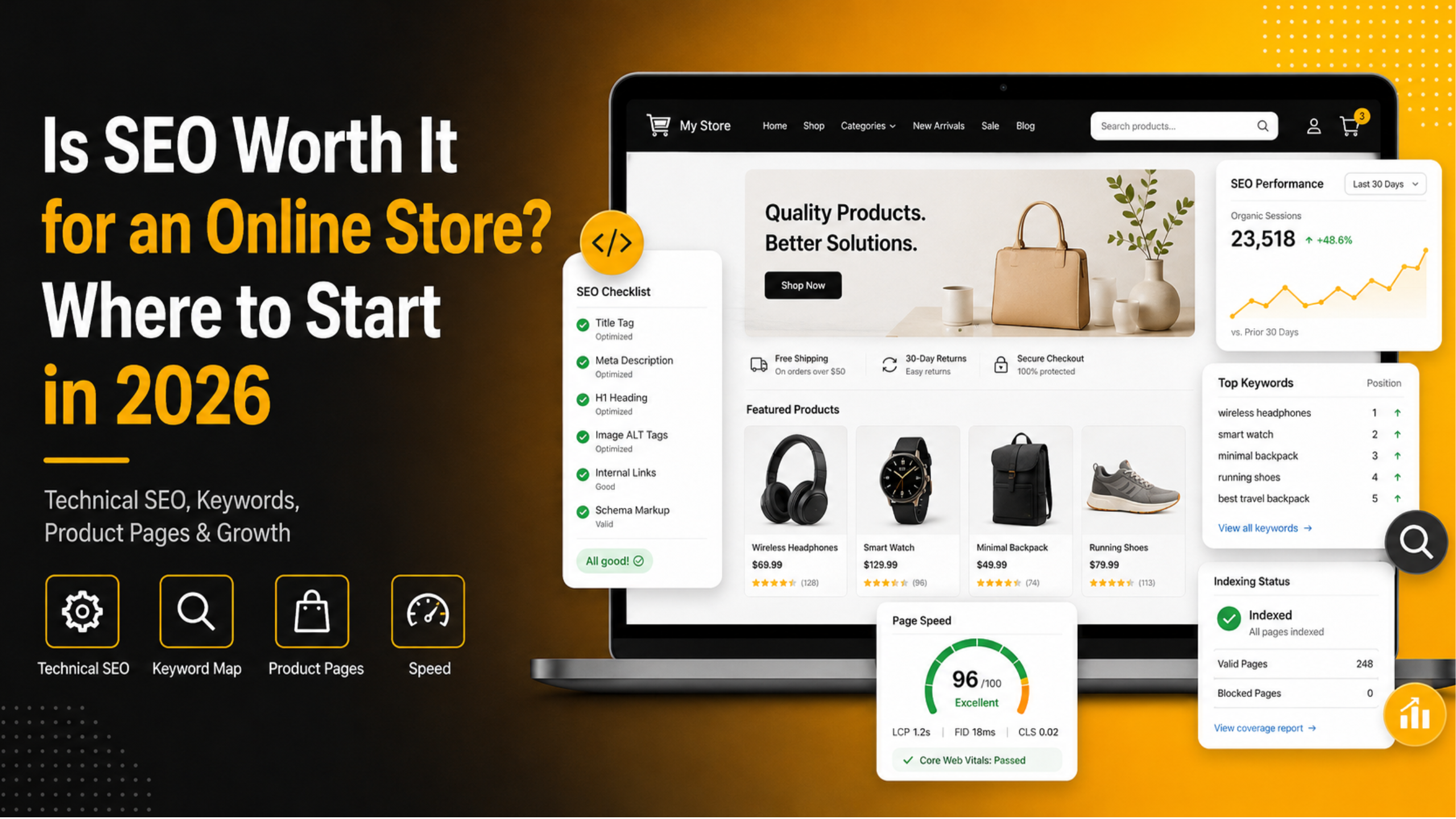
Is SEO Worth It for an Online Store? Where to Start in 2026
Every store owner runs into the same doubt. Paid ads bring sales today. SEO asks you to wait months for the first real payoff. When cash is tight, waiting feels like a bad trade.
The honest answer is that SEO is worth it for most online stores, but only when you treat it as a build rather than a switch. It compounds slowly, then it carries a large share of your revenue. This guide covers what you gain, what it costs in 2026, and the exact order to work in.
What SEO Really Does for an Online Store
SEO puts your products in front of people who are already shopping. That is the whole point. Someone typing “waterproof hiking boots for wide feet” has a wallet open and a problem to solve. Nobody was interrupted here. The shopper raised a hand, and your page is what answers back.
This changes the economics of your store in three ways. First, the traffic keeps arriving after you stop working on it, so a page you fix in March still earns in November. Second, the cost per visit drops every month as the page ages and gains links. Third, search traffic tends to convert better than cold social traffic, because the intent is stronger.
There is a fourth benefit that most guides skip. SEO work forces you to fix things that help every channel. Faster pages, clearer navigation, better product descriptions and honest shipping information all lift your paid conversion rate too. You end up with a healthier store, not just a higher ranking.
Is SEO Worth the Money? The Honest Answer
SEO is worth it when your average order value, repeat purchase rate and margin can survive a slow start. It is a poor fit when you need revenue inside six weeks or your catalogue is tiny and highly seasonal. Work out which of those two stores you own before any money leaves the account.
Here is a simple way to decide. Work out what you currently pay to acquire one customer through ads. Multiply that by the number of new customers you want each month. If SEO could replace even a quarter of that spend within a year, the maths usually works. Most stores find that it does, because paid costs keep rising while a ranking page costs nothing extra to serve.
How Long Before You See Results
For a store that already has some age and traffic, expect small movement in six to eight weeks and meaningful movement in four to six months. A brand new domain usually needs eight to twelve months before search becomes a serious channel. Long tail product and question pages move first, because few rivals bother with them. Broad terms like “running shoes” move last, and some never move at all. Budget against that curve so month three does not feel like failure.
What SEO Costs in 2026
Costs fall into three buckets. Technical fixes are a one off project, often a few hundred to a few thousand dollars depending on the mess. Content is the ongoing cost, and a solid buying guide or category page runs from one hundred to four hundred dollars to research and write well. Links and digital PR are optional and the priciest of the three. Many stores do very well spending only on cleanup and content in year one, then reviewing whether links are needed.
When SEO Is Not Your Best First Move
Occasionally the smartest decision is to hold off entirely. If your store converts at under one percent, extra traffic just pours water into a leaking bucket. Fix the checkout, the product photography and the trust signals first. A store that converts at two and a half percent earns twice as much from the same SEO work.
Delay the work if you sell a single item nobody searches for, if you are still testing whether it sells, or if your margin vanishes at today’s price. Spend on ads you can switch off, learn what people react to, and return to SEO once the offer proves itself.
One last case deserves naming. If your site keeps falling over, crawls under load, or runs on an outdated setup, search work is wasted. Nothing ranks a shop it cannot reach reliably. Sort the hosting and site health first.
Step 1: Fix the Technical Foundation
Technical SEO is the cheapest win available to most stores because the problems are usually small and fixable in a day. You are trying to answer one question: can a search engine reach, read and understand every page that should earn money? Nothing further down this page matters until that answer is yes.
Begin by crawling your own site with whatever crawler you can reach. Hunt for broken links, redirect chains, server errors and repeated titles. Then load yourstore.com/sitemap_index.xml and check that product and category URLs really appear. Submit it in Search Console and watch coverage for a week.
Speed and Core Web Vitals
Slow stores lose money twice, once at the search result and once at the cart. Test your homepage, one category page and one product page, then fix the biggest offender first. In almost every store the offender is images. Convert them to WebP, resize each file to the biggest slot it ever fills on screen, and delay loading for anything sitting below the first screenful. Our guide to Google PageSpeed Insights and why it matters explains how to read the scores without getting lost in the detail.
Crawling and Indexing
Many stores accidentally block themselves. Open your WordPress admin, click Settings and then Reading, and look for the tick box about discouraging search engines from indexing the site. It must be empty. This single checkbox has killed more launches than any algorithm update. Our post on how search engine indexing settings work covers when you would actually want that box ticked. Next, pick one domain version and stick to it, as explained in our comparison of www versus non-www for WordPress SEO. Finally, open your robots.txt file and read it line by line. One forgotten disallow rule, copied across from a staging build, is enough to hide the entire shop.
Step 2: Build a Keyword Map Around Buyers
A keyword map is a plain spreadsheet that assigns one main phrase to each important page. Skip this step and three of your own pages will fight over one phrase, which usually means none of them ranks. Build it and each page knows exactly what it is chasing.


Sort the list by what the searcher wants, rather than by how many people search it. Transactional terms include the word “buy”, a price, or a model number, and these belong on product pages. Comparison terms use words like “best”, “versus” or “for”, and these belong on category pages or buying guides. Informational terms start with “how”, “what” or “why”, and these belong on blog posts.
Chase the long tail first. A phrase like “cotton bed sheets” may get fifty thousand searches and be impossible to win. “Percale cotton sheets for hot sleepers” may get four hundred searches, convert at four percent, and rank inside three months. Twenty pages like that beat one page you will never rank. Keep the map in one sheet with columns for the URL, the main phrase, the intent type and the current position, and review it monthly.
Step 3: Write Product Pages That Rank and Sell
Most product pages fail for a boring reason. They use the manufacturer description that four hundred other stores also use. Search engines see nothing new, so they have no reason to prefer you. Rewriting descriptions in your own words is the single highest value content job in most stores.
Give each product page a title tag in the format “Product Name – Key Attribute | Brand”, kept under sixty characters. Write at least one hundred and fifty original words that cover what the product is for, who it suits, what it does not suit, and the sizing or compatibility details people always ask about. Your support inbox is the best brief you will ever get, so answer what people already write in about.
Add product schema so the search result can show price, stock status and star rating. Those extra lines raise click through rates at no extra traffic cost. Show real customer reviews too, including the mediocre ones, because a page of only five star reviews reads as fake.
Step 4: Sort Out Category Pages and Structure
Nothing in store SEO is underrated quite as badly as the category page. They target broader terms with real commercial intent, they rarely go out of stock, and they collect links naturally. Despite that, the usual treatment is a naked grid of thumbnails and not one sentence of copy.
Fix that with a short introduction of one hundred to two hundred words above the product grid, plus a longer helpful section below it. The text above should confirm the visitor is in the right place and mention the main phrase once. The text below can cover buying advice, sizing, materials or care, and it is where the ranking power usually comes from.
Keep the hierarchy shallow. Three clicks from the homepage should reach any item you sell. Use breadcrumbs so both people and crawlers understand the hierarchy. If you run filters for colour or size, block those filtered URLs from indexing or give them a canonical tag pointing to the main category. Skip this and you create thousands of near duplicate pages overnight.
Step 5: Answer Pre-Purchase Questions With Content
Product and category pages only capture people who already know what they want. Plenty of the people who will buy from you next month have not settled on anything yet. Content pages catch them earlier, build trust, and then hand them to your product pages when they are ready to buy.
Write the pieces your customers actually need. Buying guides comparing options inside your own range work well, as do sizing guides, care articles and honest “is this worth it” posts. Link each one to the matching category page using descriptive anchor text, never a bare “click here”.
One caution before you start. Avoid loose, general articles that sit miles away from your actual range. A kitchenware store does not need a post about morning routines. Every piece should sit within one or two logical steps of a purchase decision. Publishing two genuinely useful pieces a month beats publishing eight thin ones, and it is far easier to sustain for a year.
How to Tell If SEO Is Actually Working
Track a small number of things and check them monthly rather than daily. Search rankings bounce around every day, and watching them closely will only make you anxious and reactive.
Four numbers matter: organic sessions, organic revenue, the number of URLs earning at least one click, and average position for your mapped keywords. Search Console gives you the last two free. Your analytics tool gives you the first two. Note them monthly in the same sheet as your keyword map.
Watch the leading indicators before revenue moves. If impressions climb while clicks stand still, searchers see you and pick somebody else, which is a titles problem. More URLs earning clicks means your long tail work is landing. Let eight weeks pass before you pass judgement on anything you changed.
SEO for an online store is worth it, but it rewards patience and a clear order of work. Fix the technical base, map your keywords, rewrite your product and category pages, then add content that answers real questions. If you would rather have an experienced team handle the technical side while you focus on selling, 24×7 WP Support can audit your store, fix what is holding it back, and keep it fast and healthy all year. Talk to us and get your store ready to rank in 2026.




Brian is a WordPress support specialist and content contributor at 24×7 WP Support. He writes practical, easy-to-follow guides on WordPress troubleshooting, WooCommerce issues, plugin and theme errors, website security, migrations, performance optimization, and integrations. With a focus on solving real website problems, Brian helps business owners, bloggers, and online store managers keep their WordPress sites running smoothly.
